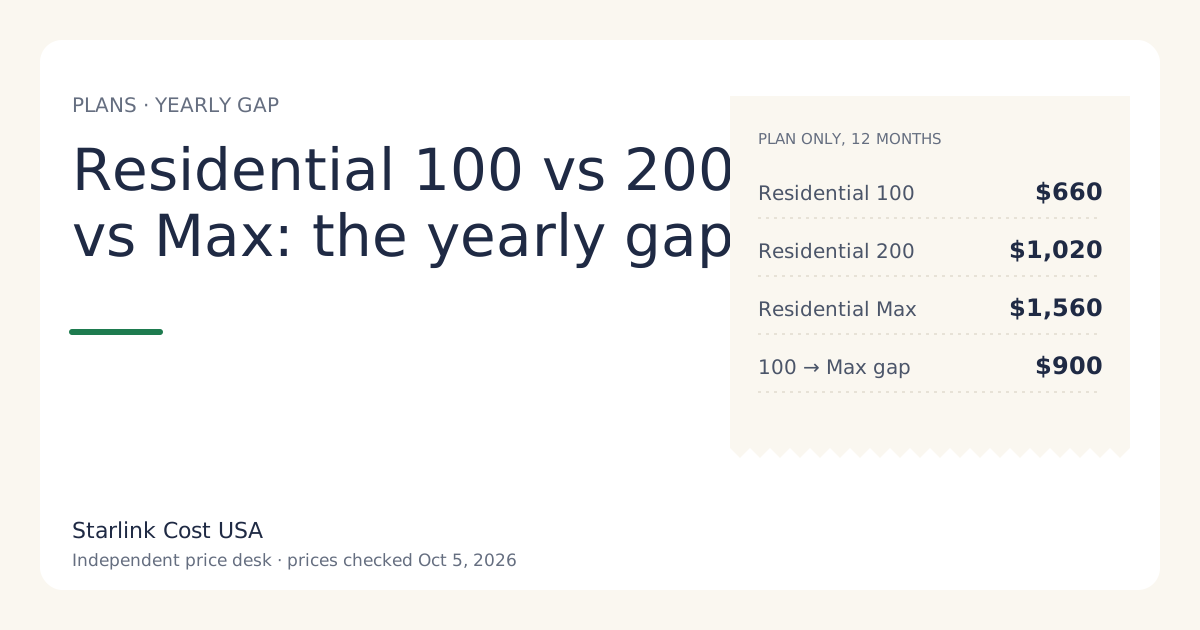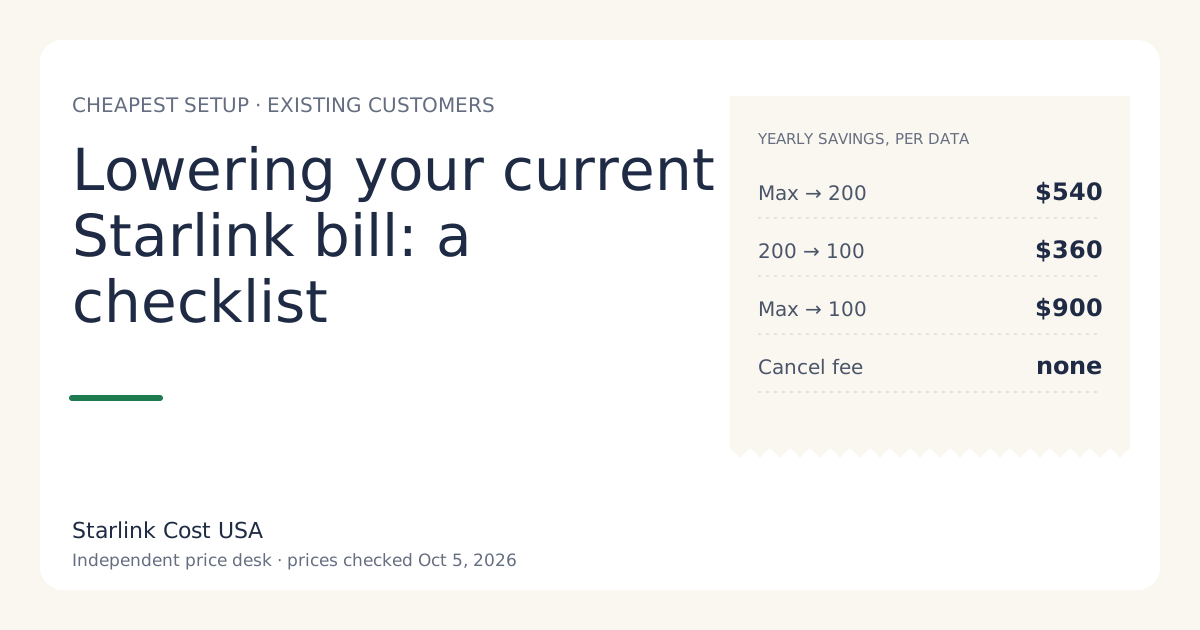
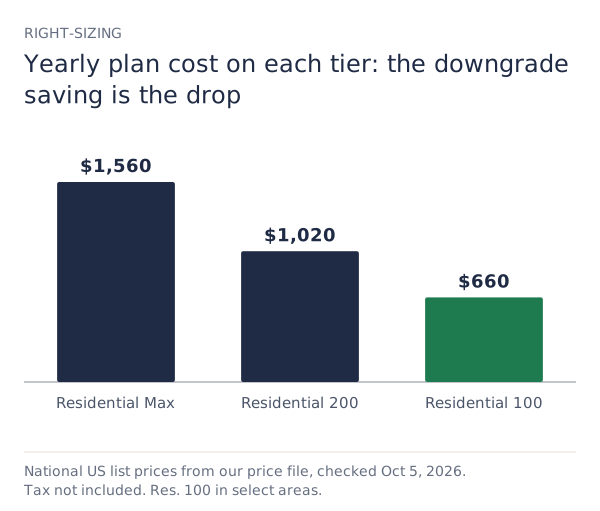
The most reliable way to lower a Starlink bill is to move to the lowest tier that does what you need: Residential Max to 200 Mbps saves $540 a year, and 200 to 100 Mbps saves $360 where 100 is offered (list prices checked Oct 5, 2026). After that, check your invoice for a monthly rental fee or add-ons you don’t use, use Standby on an owned kit during months you’re away, and compare with any cheaper option that now reaches your address.
The ten-minute checklist
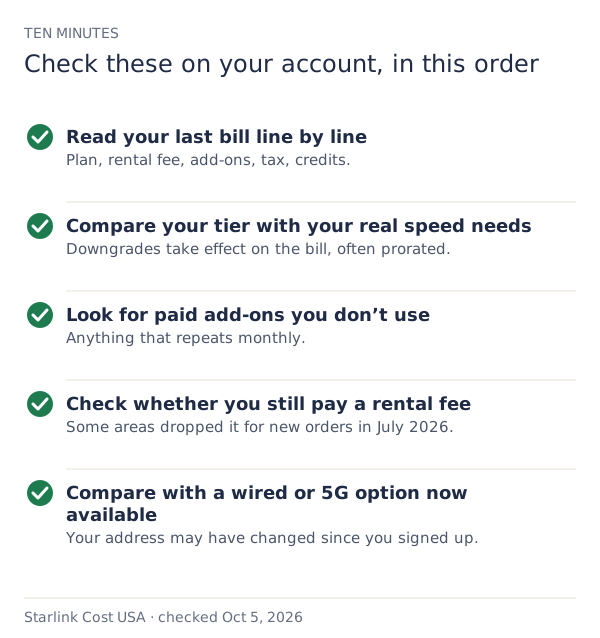
1. Read your last bill line by line
Download your latest invoice from your account and list every line. Typical lines: the plan, a rental fee (rentals only), any add-ons, tax and fees, credits and prorations. Anything you can’t explain is worth a question to support. Our first-bill guide explains each line type.
2. Right-size your tier
| Move | Monthly saving | Yearly saving |
|---|---|---|
| Max → 200 Mbps | $45 | $540 |
| 200 → 100 Mbps (select areas) | $30 | $360 |
| Max → 100 Mbps (select areas) | $75 | $900 |
How to tell if you’re over-paying for speed: if nobody in the house notices slowdowns on the current tier, and your heaviest moments are a couple of streams and a video call, a lower tier may do the same job. Speed caps are capped at 100 Mbps, capped at 200 Mbps and up to 400+ Mbps for the three tiers. All are sold with unlimited data.
What you lose from Max: Max includes free professional installation and eligibility for an extra Mini kit. If you already had the install and don’t use the extra Mini, those don’t matter going forward.
Two cautions before switching:
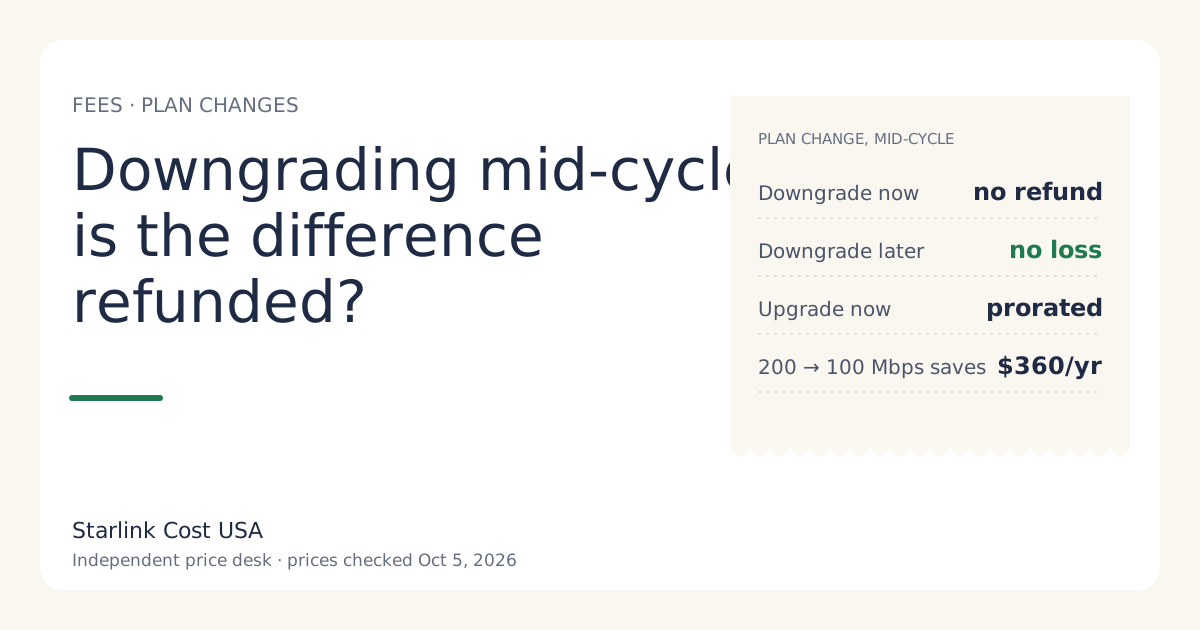
- A mid-cycle change can add a prorated line to the next bill.
- In high-demand areas, a plan change is one of the moments a one-time demand surcharge can apply (one-time, in high-demand areas, when you buy, activate, change plan or move into one; refunded with a 30-day return). Check what the account shows before confirming. A surcharge can wipe out months of savings.
3. Look for paid add-ons you don’t use
Anything on the invoice that repeats monthly and isn’t your plan is worth a look. Remove what you don’t use. We don’t track every add-on’s price; your invoice shows yours.
4. Check whether you still pay a rental fee
New rentals paid $10 a month from June 2026; for new orders in select areas, the fee is reported at $0/mo since July 2026. If your bill shows a rental fee, ask support whether a lower rate applies to you. We haven’t found a published way to convert a rental to an owned kit; if your rental fee is significant and you plan to stay for years, compare it with the price of a bought kit ($349 list) and the rent vs buy break-even.
5. Use Standby on an owned kit when you’re away
If the home is empty part of the year and you own the kit, Standby costs $10/mo a month instead of the full plan. Example: four months on Standby instead of Residential 200 Mbps saves 4 × ($85 − $10) = $300 a year. Rental kits can’t use Standby (not available on select rental kits). How Standby works in practice is outside this site; the calculator lets you model Standby months.
6. Compare with what’s now available
Fiber, cable and 5G home internet keep expanding. If something new reaches your address, compare its 36-month total with yours. Starlink vs 5G home internet has a worksheet, and when Starlink is the wrong buy lists the cases where switching wins.
What doesn’t save money
- Turning the dish off at night. Saves a little electricity, nothing on the bill.
- Cancelling and re-subscribing. A new service starts a new billing cycle and, in busy areas, activating can bring a surcharge.
- Changing your service address to a cheaper area. Service is tied to the real address; never misstate it.
- Waiting for a price cut. Our record has no list-price cut on the top tier since 2020. See will Starlink get cheaper?
When cancelling is the right answer
If a cheaper service works at your address, leave. Month-to-month plans have no cancellation fee; months already billed aren’t refunded. Time it just before the next bill, and return a rental within 30 days. Details: is there a Starlink cancellation fee?
Worked example: a family on Max after the 2026 increase
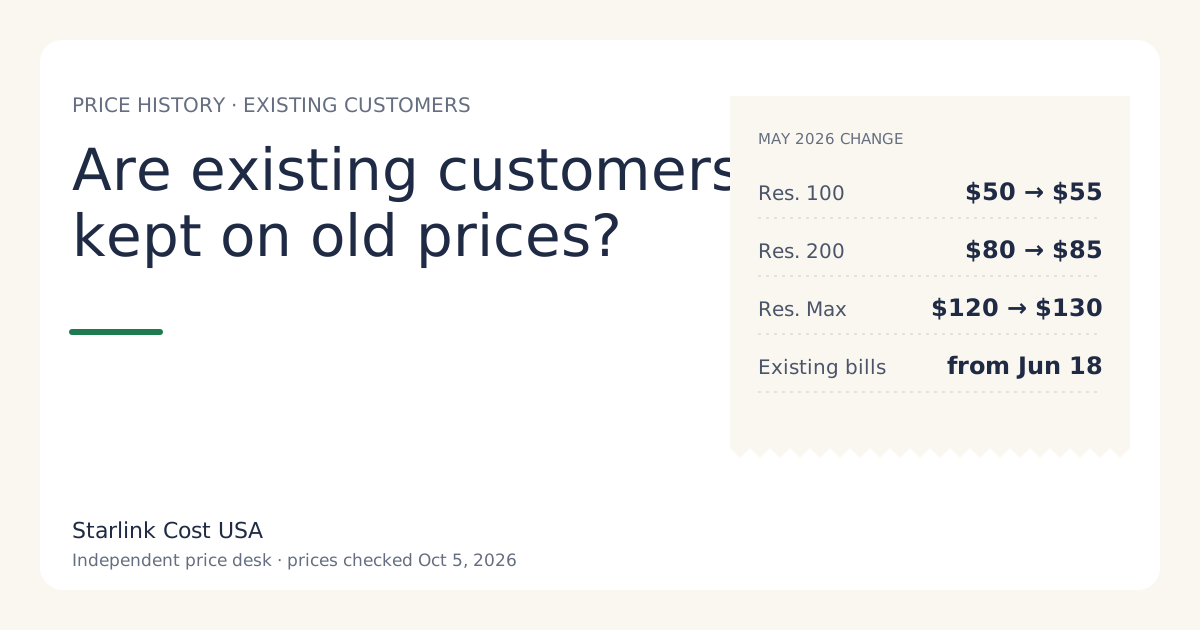
The family’s plan went from $120 to $130/mo a month in June 2026. They review:
- Invoice: plan, tax, nothing else.
- Tier: two streams and a work laptop at peak. They try Residential 200 Mbps: saves $540 a year.
- Check for a surcharge on the plan change in the account before confirming: none shown.
- Result: their year drops from $1,560 to $1,020, before tax. If 200 Mbps turns out too slow, moving back is a plan change.
Can you lower the tax and fees?
Mostly no. Sales tax and regulatory fees are set by your state and locality and apply to the service and, at purchase, the kit. Lowering the plan price lowers the tax on it proportionally, which is a small bonus on any downgrade. If a fee line looks wrong (for example, it changed with no plan change), ask support what it is, with a screenshot of two invoices side by side.
A yearly review that keeps the bill right-sized
Bills drift. A plan that fit when you signed up may not fit after kids leave home, a job changes, or a new provider arrives. Put a 15-minute review on your calendar once a year, and also:
- When a price-change email arrives. Recalculate your year and check the tier below.
- When your household changes. More people or remote work may need a higher tier; fewer may not.
- When a neighbor gets fiber or 5G. Your address may qualify too.
- Before the months you’re away, if you own the kit and could use Standby.
Each review is the same three questions: does the tier fit, is anything on the invoice unnecessary, and is there a cheaper option that works here now?
What we don’t know
- Which add-ons appear on your account.
- Whether a plan change at your address triggers a surcharge.
- Whether your rental fee can be lowered.
What to do next
- Download your last invoice and go through the checklist above.
- Model the lower tier in the calculator.
- If the bill is high because of a recent increase, read are existing customers kept on old prices?