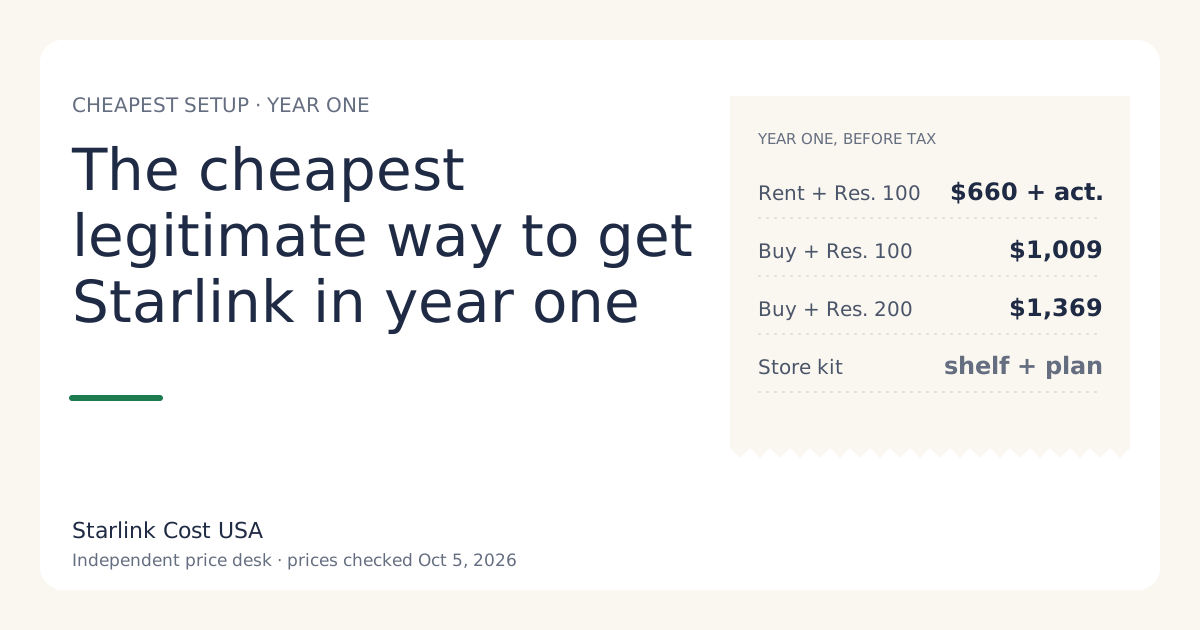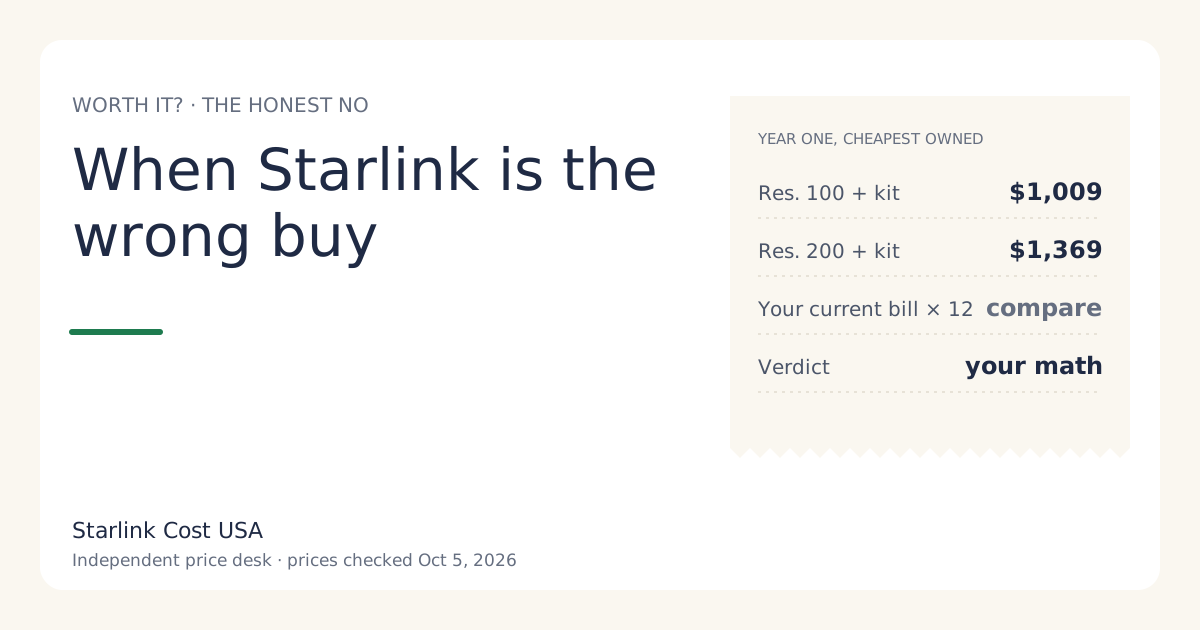
Skip Starlink when a cheaper wired or 5G home service works well at your address, when you need internet for only a few months, when trees block the sky and there’s no realistic mount spot, when checkout shows a demand surcharge that doesn’t survive a three-year comparison, or when the monthly bill would strain your budget. In those cases the cheapest Starlink plan is still the expensive choice. For reference, Starlink’s year one with a bought kit is $1,009 on Residential 100 Mbps (select areas) and $1,369 on Residential 200 Mbps, before tax, at list prices checked Oct 5, 2026.
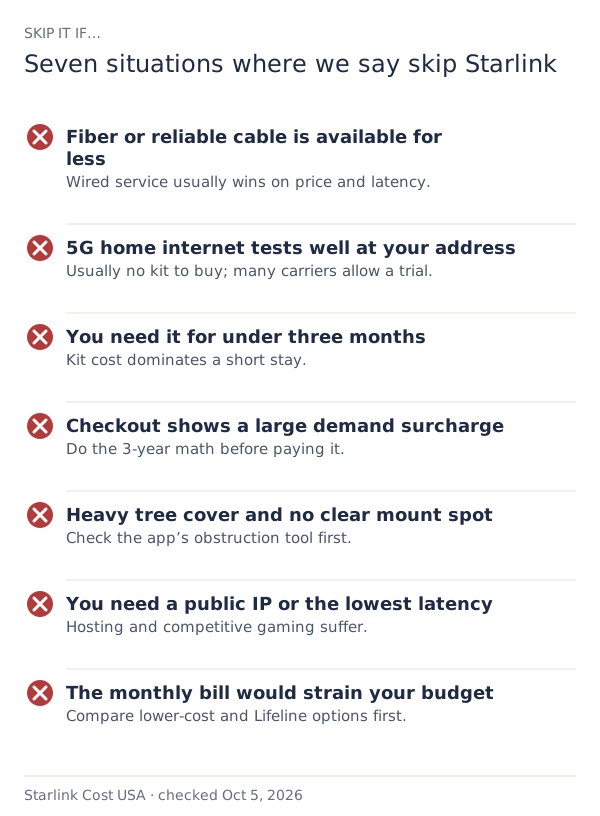
1. Fiber or reliable cable is available for less
Wired service, when it’s available and reliable, usually wins on both price and latency. Starlink makes the most sense where wired options are slow, unreliable or absent.
The test: compare 36 months of each, all-in. For Starlink that’s $3,409 on Residential 200 Mbps with a bought kit, or $3,060 plus an activation fee on a rental where the rental fee is $0/mo. For cable or fiber, add the monthly price, equipment rental, installation and any promo that expires. If the wired total is lower and the service is reliable at your address, take the wired service.
Edge case: if the wired provider’s reliability is the problem (frequent outages), cost isn’t the whole story. Price your downtime honestly; don’t let “it was down twice last year” justify a large yearly gap.
2. 5G home internet works well at your address
Fixed-wireless 5G from mobile carriers is often cheaper per month and usually doesn’t need you to buy a dish. Where it tests well, it’s the first thing to try.
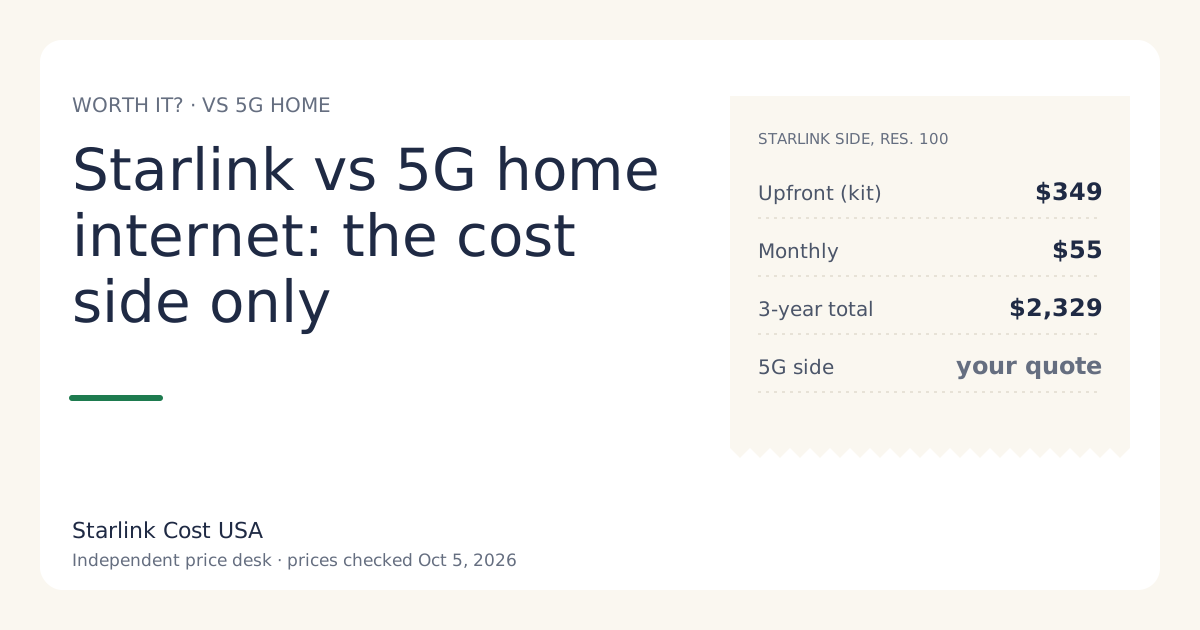
The test: get a quote for your address and fill in the worksheet in Starlink vs 5G home internet. Many carriers let you try their service and return the equipment within a set window; check the terms on your quote.
3. You need it for only a few months
A bought kit costs $349 up front. Over three months on Residential 200 Mbps that’s $604, or $201.33 a month. The kit is 58% of that.
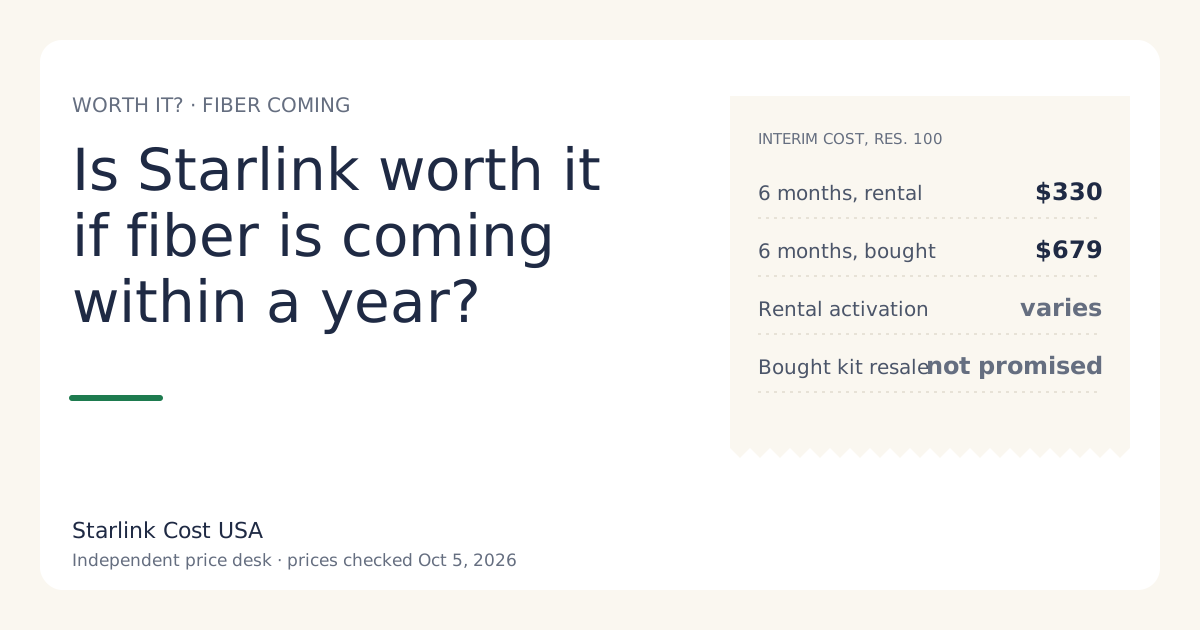
Better options for a short stay: a rental where the rental fee is $0/mo (you pay an activation fee, varies by location; shown at checkoutunverified, and return the kit), a phone hotspot, or a 5G option with no equipment purchase. If you do buy, keep the 30-day return in mind: a kit bought on starlink.com and returned undamaged within 30 days gets full hardware refund if returned undamaged within 30 days.
4. Checkout shows a large demand surcharge
In busy areas, checkout can add a one-time demand surcharge (one-time, in high-demand areas, when you buy, activate, change plan or move into one; refunded with a 30-day return). There’s no published amount (no official amount; depends on the addressunverified).
The test: add the surcharge to the three-year total and divide by 36. If that monthly figure pushes Starlink past your alternatives, skip it for now. If Starlink is still your only workable option, the surcharge is a cost of service, not a reason to go without. Starlink says it’s refunded if you return within 30 days.
5. Heavy tree cover and no realistic mount spot
The dish needs a clear view of the sky. The Starlink app has an obstruction tool; use it at the spots where you could actually mount the dish, before you order.
The cost trap: tree removal or a tall pole can cost more than the kit. Get quotes before you count on them. If the only clear spot needs expensive work and a wired or 5G option exists, take the alternative.
6. You need a public IP or the lowest possible latency
Hosting a server at home, some remote-access setups, and competitive online shooters where every millisecond counts are better served by wired fiber or cable. These are use-case limits rather than prices, but they decide whether the money is well spent.
7. The bill would strain your budget
Residential 100 Mbps at $55/mo is the cheapest tier, and it’s offered in select areas only. If even that would be a stretch, compare lower-cost options first: some wired providers have low-income plans, and the FCC’s Lifeline program helps eligible households with phone or internet bills. Starlink isn’t the place to start when money is tight.
Situations that look like “skip it” but often aren’t
- “It’s expensive compared with my old DSL.” Compare reliability and what you can actually do online, not just price. If DSL doesn’t support your work, it isn’t cheaper.
- “A friend got a big surcharge.” Your address may not. Only your checkout knows.
- “I heard there’s a data cap.” Residential is sold with unlimited data; the 1 TB rule is from 2022. See is the Starlink plan really unlimited?
- “Fiber is promised next year.” Promises slip. See is Starlink worth it if fiber is coming within a year?
A quick way to decide
- List every option at your address with a monthly price, upfront cost, and any exit cost.
- Total each over 36 months. For Starlink, the calculator does it with your tax and surcharge.
- Cross out anything that doesn’t work reliably at your address.
- Pick the cheapest one left.
If Starlink isn’t the cheapest one left, it’s the wrong buy for you right now. That can change: prices move, new options arrive. Our price history shows how often.
Worked example: reliable cable vs Starlink over three years
To show the method, imagine a household offered cable at $65 a month for 12 months, then $80, with a $15 monthly modem rental. These are invented numbers, not a real quote.
- Cable, 36 months: 12 × ($65 + $15) + 24 × ($80 + $15) = $960 + $2,280 = $3,240.
- Starlink Residential 200 Mbps, bought kit: $349 + 36 × $85 = $3,409.
- Starlink Residential 100 Mbps, bought kit (select areas): $2,329.
In this example, Starlink Residential 100 Mbps would come out cheaper than the cable quote, while 200 Mbps would come out more expensive. The cable modem rental changed the answer; that’s why you compare all-in totals, not headline prices. With your real quotes, the answer could go either way. If cable is reliable and cheaper all-in, take it.
What “skip it for now” can look like
Skipping Starlink today doesn’t mean never. Situations change: a surcharge at your address may not be there next year, a fiber promise may fall through, your work may change. If you skip:
- Note today’s date and what you were quoted, so you can compare later.
- Check our price news when you reconsider.
- Keep your current service’s contract end date in mind, so you’re free to switch if the answer changes.
What we don’t know
- What fiber, cable or 5G costs at your address. Quotes vary by provider and area, and we don’t track them.
- Your obstruction picture. Only the app’s tool and your own eyes can tell.
- Whether your address has a surcharge.
What to do next
- Run the worth-it test with your current bill.
- If Starlink survives, check the cheapest legitimate setup.
- If it doesn’t, keep your money. That’s a perfectly good outcome.