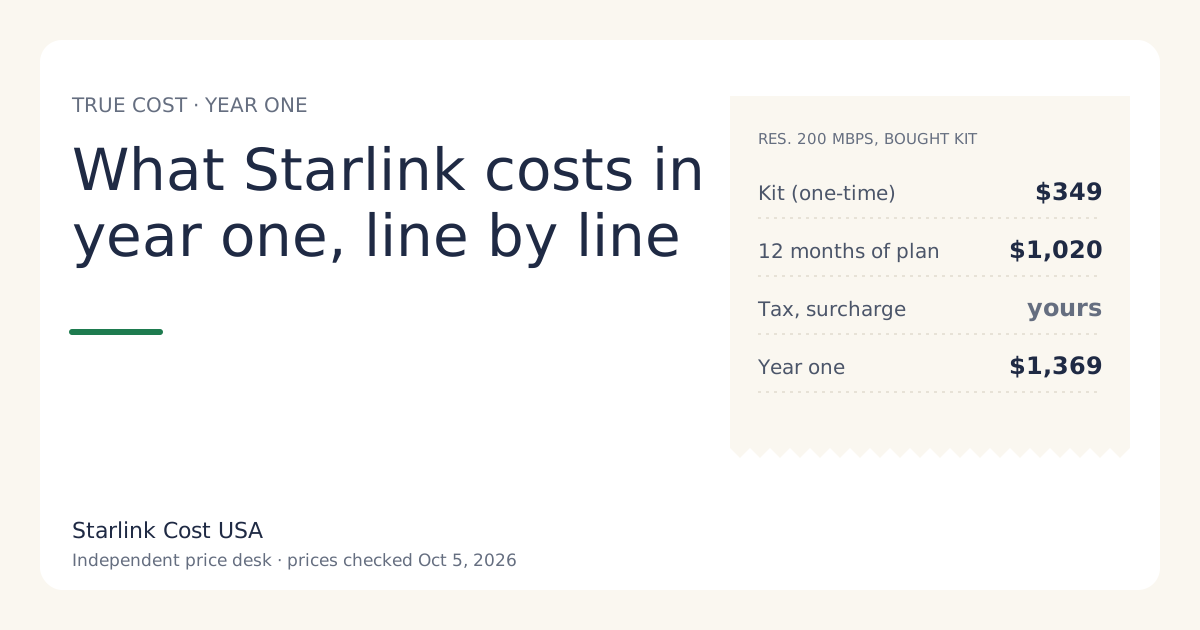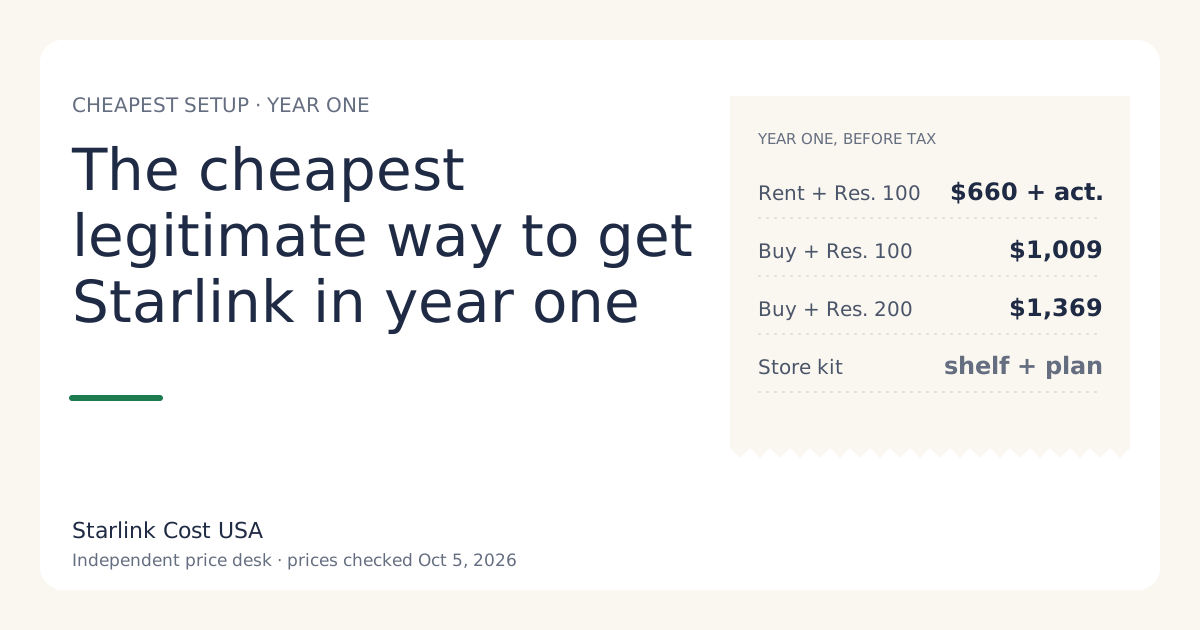
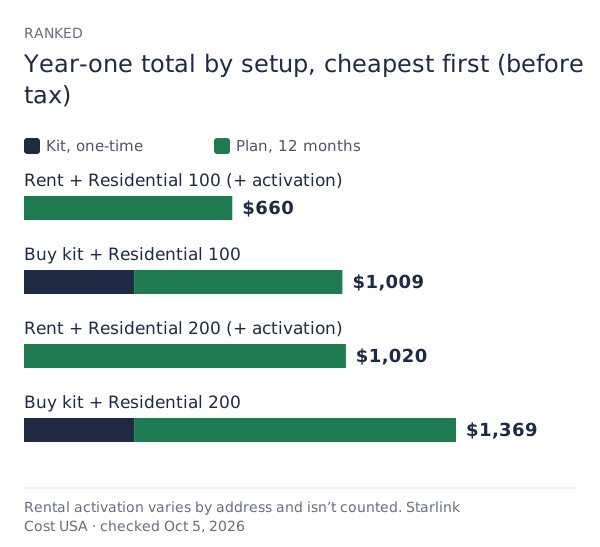
The cheapest legitimate year one, where your address offers both: rent the kit and choose Residential 100 Mbps. With the rental fee reported at $0/mo in select areas, that’s $660 in plan fees plus a one-time activation fee your checkout shows, before tax (list prices checked Oct 5, 2026). If you’d rather own the kit, a bought kit on Residential 100 Mbps comes to $1,009. If 100 Mbps isn’t offered, the same choices on Residential 200 Mbps give $1,020 plus activation, or $1,369 bought.
Three choices set the number: the tier, the hardware path, and where you buy. Fees and surcharges sit on top. Here they are in order of how much they move.
Year-one totals, ranked
Before tax and any demand surcharge:
| Setup | Year one | Notes |
|---|---|---|
| Rent + Residential 100 Mbps | $660 + activation | Select areas; return the kit when you cancel |
| Buy + Residential 100 Mbps | $1,009 | You own it: Standby and resale possible |
| Rent + Residential 200 Mbps | $1,020 + activation | Where 100 isn’t offered |
| Buy + Residential 200 Mbps | $1,369 | The most common setup |
| Store kit + any plan | Shelf price + 12 × plan | Store’s return rules |
Choice 1: the tier (biggest lever over time)
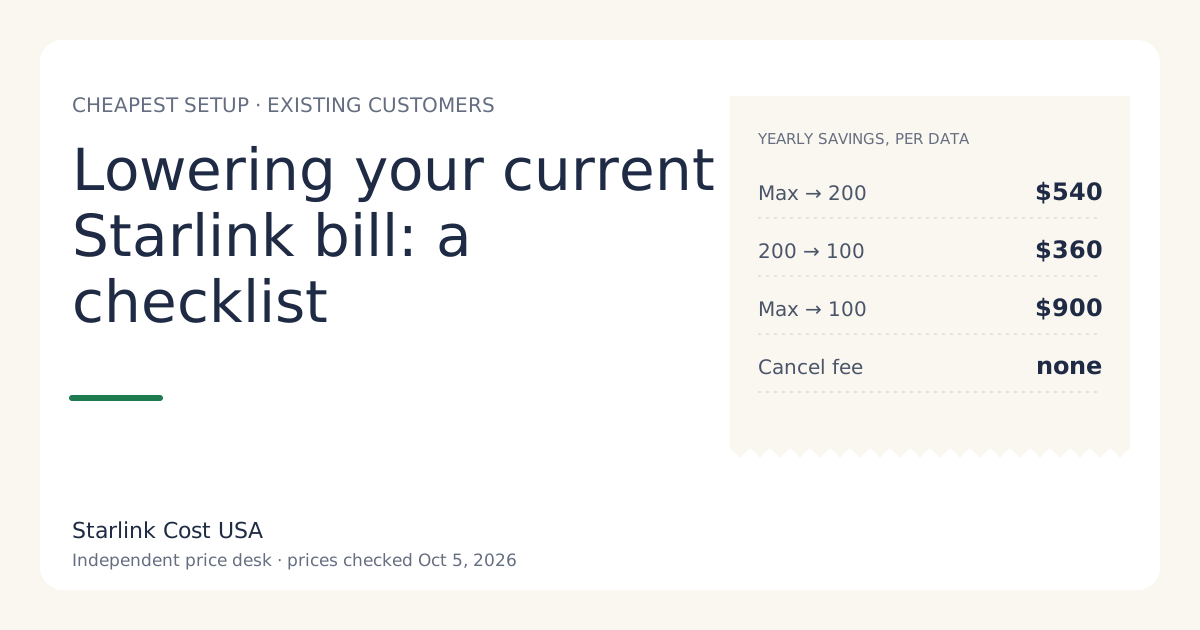
Residential 100 Mbps at $55/mo is the cheapest tier, offered in select areas only. Residential 200 Mbps is $85/mo; Residential Max is $130/mo. Over a year, the gap between 100 and 200 is $360; between 100 and Max, $900.
Pick the lowest tier your address offers that does what you need. Moving up later is a plan change, not a new kit. Residential 100 vs 200 vs Max has the details.
Choice 2: rent or buy (biggest lever in year one)
The kit is $349 list. A rental swaps that for a one-time activation fee (varies by location; shown at checkoutunverified) and, in some areas, a monthly rental fee (reported at $0/mo in select areas since July 2026).
- With no monthly rental fee, renting is cheaper for as long as you have a full-time plan, by the kit price minus your activation fee.
- With a monthly rental fee, buying catches up after (kit price − activation) ÷ monthly fee months.
What renting costs you that isn’t on the receipt: no Standby (not available on select rental kits), no resale, and a hard 30-day return deadline when you cancel. For a cabin or seasonal home, owning and using Standby at $10/mo is usually cheaper over a year than renting. The rent vs buy guide shows the break-even.
Choice 3: where you buy the kit
- starlink.com: list price $349, 30-day return for full hardware refund if returned undamaged within 30 days.
- A store: its own shelf price and its own return rules. Some stores price kits below starlink.com at times; others don’t. Type the shelf price into the store kit vs starlink.com tool to see which wins over your horizon.
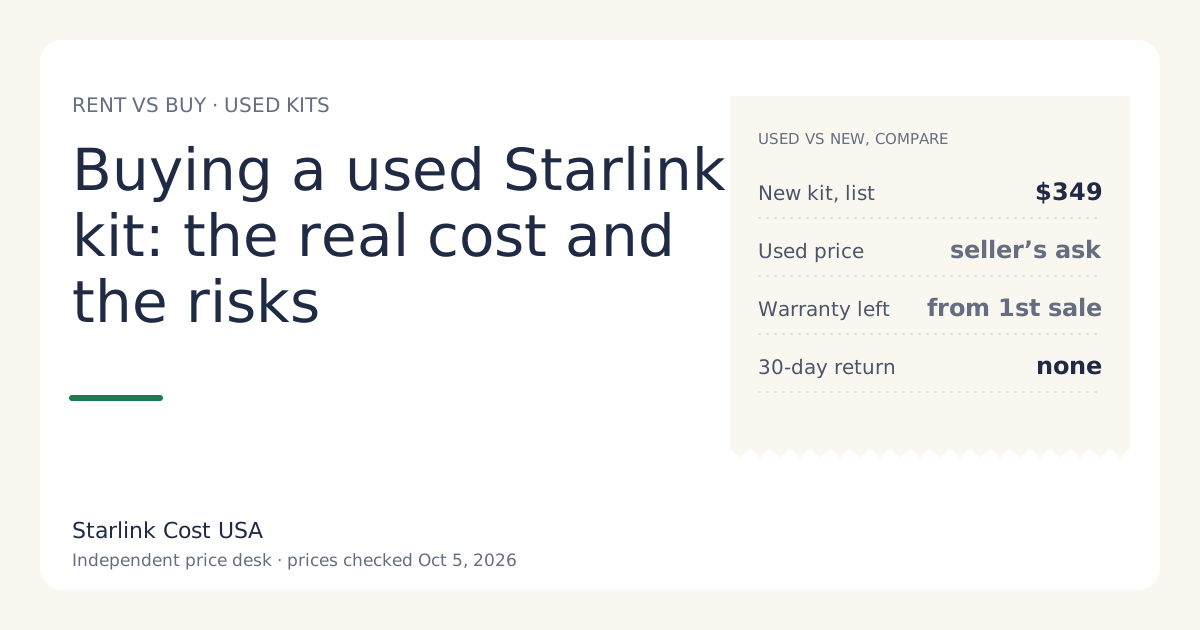
- Used: cheaper, but no 30-day return, little or no warranty, and transfer rules that can block activation. See buying a used Starlink kit.
Fees you can and can’t avoid
Can’t avoid: sales tax and fees for your address; a demand surcharge if your address has one (one-time, in high-demand areas, when you buy, activate, change plan or move into one; refunded with a 30-day return; amount: no official amount; depends on the addressunverified).
Can avoid:
- Paying for a month you don’t use. Billing starts on activation or 30 days after shipping, whichever is first. Activate the day you install. See your first Starlink bill.
- Accessories you don’t need yet. Mounts, mesh and long cables only if your site needs them; the equipment cost guide lists them.
- An unreturned rental charge (full retail price of the kit if not returned within 30 days of cancelling). Return it on time.
- A 12-month commitment’s change fee if you might leave early.
What doesn’t count as “legitimate cheap”
We won’t list shortcuts that risk your money or your service:
- Entering a different service address to get a cheaper price or avoid a surcharge. Service is tied to the address; moving it can bring the surcharge back. Never do this.
- Buying a kit that’s still on someone’s account, or a rental someone is selling.
- Prices far below list from unknown sellers. See fake sellers and too-cheap listings.
Worked example: two households
A light-use couple, full-time home, 100 Mbps offered, $0/mo rental fee at checkout. Rent + Residential 100 Mbps: $660 + activation. If the activation fee is under $349, this beats buying in year one and every year after, as long as they stay full time.
A seasonal cabin, 200 Mbps only, owner there seven months a year. Buy + Residential 200 Mbps with five Standby months: $349 + 7 × $85 + 5 × $10 = $994 in year one. Renting at the full plan every month (rentals can’t use Standby) is $1,020 + activation. At today’s list prices, buying is $26 cheaper in year one before the rental’s activation fee is even added, and the gap widens every later year, when there’s no kit to pay for.
Cheapest year one vs cheapest three years
They’re often the same setup for a full-time home with no rental fee. They differ when:
- A monthly rental fee applies (buying catches up).
- The home is seasonal (Standby favors owning).
- You’d resell the kit later (owning recovers some cost).
Run both horizons in the calculator.
The cheapest setup that still works
The lowest number on the page isn’t a win if it doesn’t do the job. Two checks before you settle:
- Tier fit. If Residential 100 Mbps will leave a busy household frustrated, you’ll upgrade within weeks, and the saving is gone. Pick the lowest tier that fits.
- Site fit. If your only clear spot needs a pole or professional install, add that cost now. On Residential Max, professional installation is included (free professional installation and eligibility for an extra Mini kit), which can make Max cheaper overall for a hard install, even though its monthly price is $130/mo.
What we don’t know
- Whether your address offers Residential 100 Mbps, renting, or a regional promo.
- Your rental activation fee.
- Store shelf prices today; we don’t track them.
What to do next
- Open starlink.com checkout with your address and note which tiers and hardware paths are offered.
- Enter the cheapest two combinations into the calculator at 12 and 36 months.
- Already a customer? Lowering your current Starlink bill is the checklist for you.