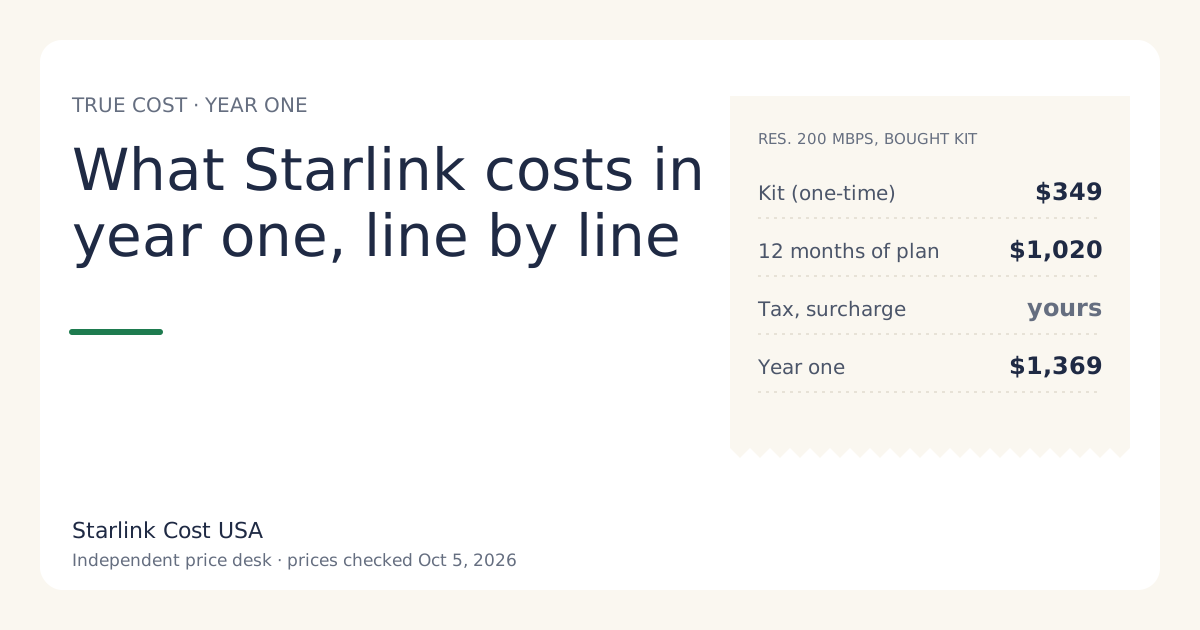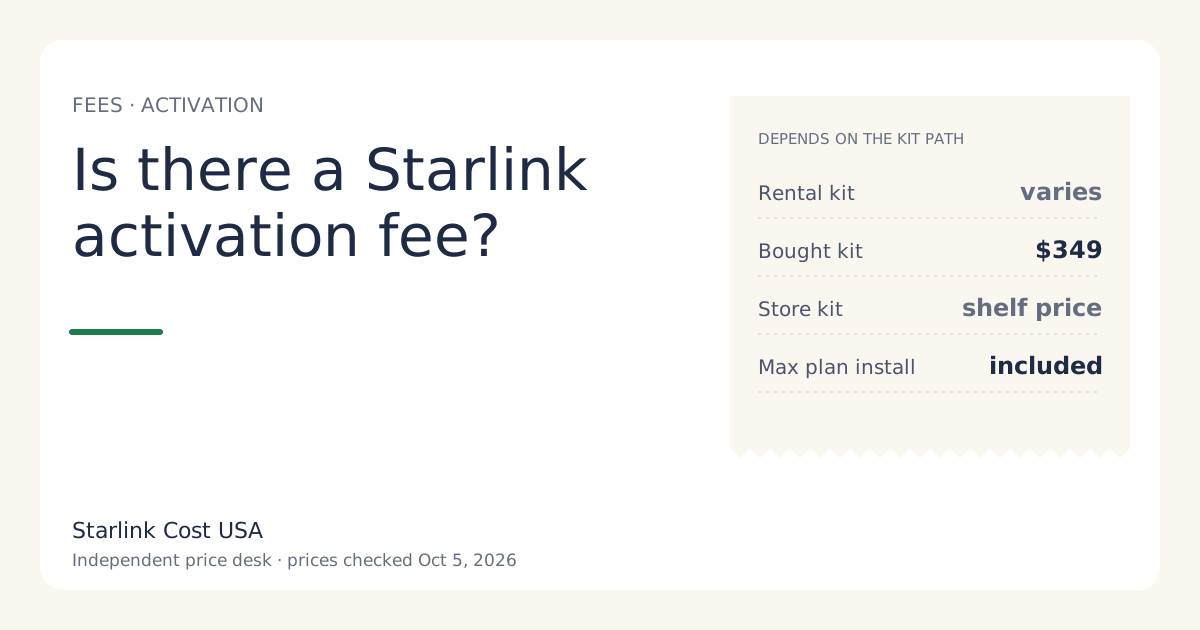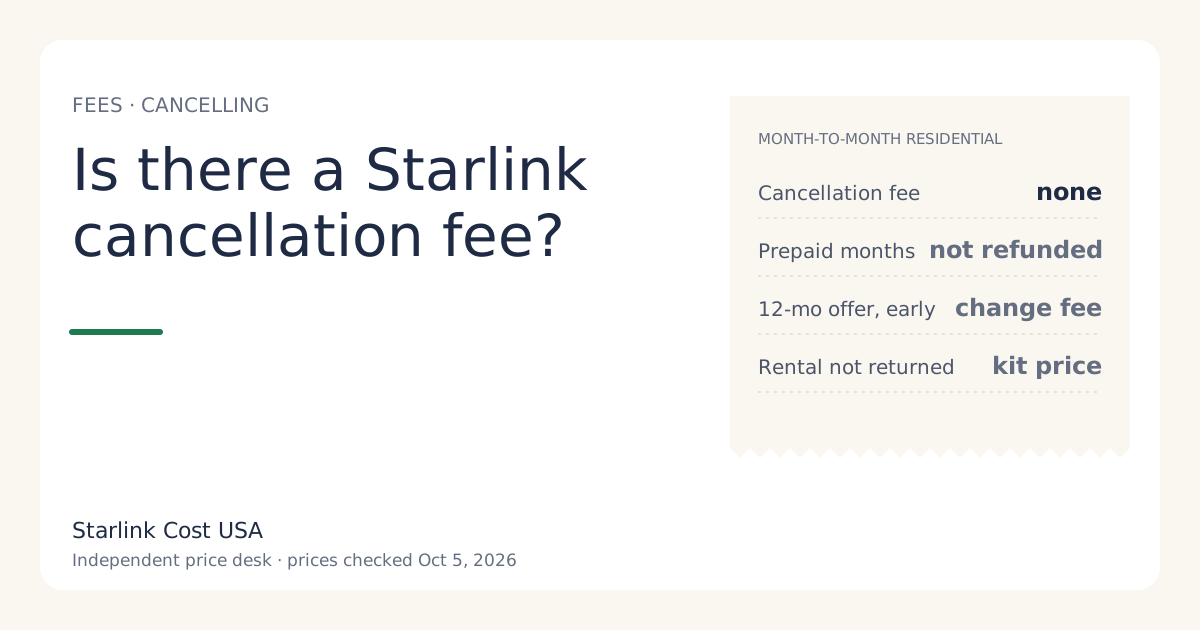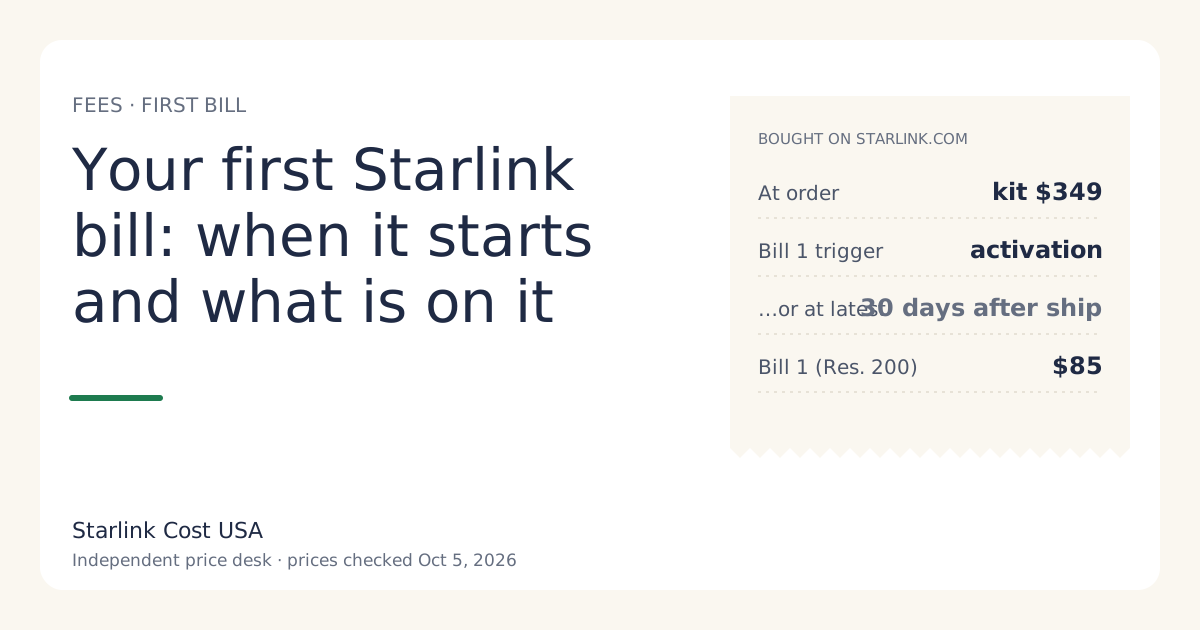
When you buy on starlink.com, the kit is charged at order and the first service bill comes later: on activation, or 30 days after the kit ships if you haven’t activated by then, whichever comes first. From then on, your billing date is the day of activation and each bill is your plan price plus tax. A first bill that doesn’t match the plan price almost always has a tax line, a prorated line from a plan change, or a one-time charge on it.
The sequence, order to bill 2
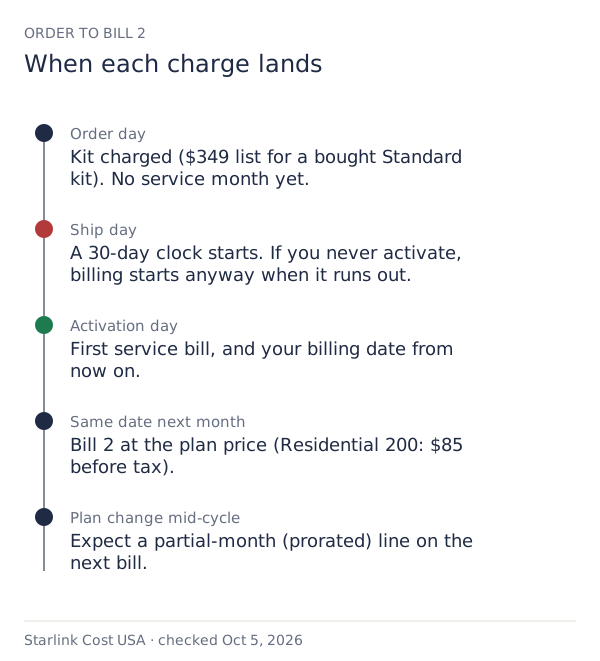
Order day. You pay for the kit: $349 list for a bought Standard kit. Starlink’s support page is explicit that this charge is for the kit and not your first month of service. If you’re renting, the upfront line is the activation fee instead (varies by location; shown at checkoutunverified), and a demand surcharge appears here if your address has one.
Ship day. A 30-day clock starts. If you don’t activate within 30 days of shipment, Starlink activates billing automatically, and that day becomes your payment due date.
Activation day. Your first service bill: one month at your plan price plus tax. Residential 200 Mbps is $85/mo at list price. This day becomes your billing date for every month after.
Same date next month. Bill 2, again at the plan price plus tax. Bills are for the month ahead.
What’s on a typical first bill
Line names vary, but expect these:
| Line | What it is | Typical size |
|---|---|---|
| Service plan | One month of your plan, billed in advance | Your plan price, e.g. $85/mo |
| Rental fee (rentals only) | Monthly hardware rental, if your area charges one | $0/mo in select areas |
| Tax and fees | State and local, by address | A few percent; varies |
| Proration (if you changed plan) | Partial month at the old or new rate | Small; depends on the day you switched |
| Credits | Anything applied to the bill | Shown as a negative line |
The kit isn’t on the service bill if you bought it on starlink.com; it was charged at order. A glossary explains each term.
Why the first bill can look odd
1. Tax and fees. The plan price on the website is before tax. Your bill adds what your state and county charge.
2. Proration after a plan change. Switch tiers mid-cycle and the next bill can include a partial month. Example (hypothetical dates): you activate on the 1st on Residential 200 Mbps, then switch to Residential Max on the 16th, halfway through the month. Roughly, you’ve used half a month of the higher plan you hadn’t paid for, so the next bill could carry about ($130 − $85) × ½ = $22.50 on top of the new full month. Starlink’s exact proration method may differ; the point is that a partial-month line is normal.
3. A one-time charge. In busy areas, a demand surcharge can apply when you activate, change plan or move: one-time, in high-demand areas, when you buy, activate, change plan or move into one; refunded with a 30-day return. If one appears on a bill rather than at checkout, it’ll be a separate line.
4. Billing started without you. If the kit sat in its box for more than 30 days after shipping, billing started automatically. The first bill is then for a month in which you may not have been online.
Timing activation so you don’t pay for unused days
You control the activation day, within the 30-day limit:
- Plan the install before delivery. Know where the dish goes, check the obstruction tool in the Starlink app, and have any mount ready. Then activate the day you set up.
- Don’t activate “to test” weeks before you move in. You’ll start a billing month you won’t use.
- If you’re going to be late, Starlink’s support page says you can pause service before activation from your account once the kit has shipped, so the first invoice isn’t billed. Check that the option shows in your account before relying on it.
Store-bought kits
If you bought the kit at a store, the store charged you for the hardware. Activating it on starlink.com starts your service and your billing date, exactly like a starlink.com order from the activation step onward. Any demand surcharge for your address can apply at activation. The 30-day starlink.com return doesn’t apply; the store’s return policy does.
The first bill and the 30-day return
The 30-day return is your safety net if the service doesn’t work at your spot. For a starlink.com order, returning the kit undamaged within 30 days gives full hardware refund if returned undamaged within 30 days, and secondary sources say the first month of service is refunded in that window as well. Note the date you ordered and the date you activated, and decide well before day 30. Starlink’s page doesn’t settle every detail of which date counts, so give yourself margin.
Worked example: your first three charges
Residential 200 Mbps, bought kit, no surcharge, ignoring tax:
- Order: $349 (kit).
- Activation, say four days after delivery: $85 (month one).
- One month later: $85 (month two).
Total paid by the start of month two: $519. That’s the number to have in your account before you order, plus tax.
Common mistakes
- Expecting the first month to be charged at order. It isn’t; the kit is.
- Letting 30 days pass after shipping without activating or pausing.
- Switching plans the day after a bill and being surprised by proration.
- Reading the plan price as the bill. Add tax.
- Waiting until day 29 to decide on a return. Decide early.
The first bill on a rental
Rentals follow the same sequence with two differences:
- At order: the upfront line is the activation fee (varies by location; shown at checkoutunverified) instead of the kit price, plus any demand surcharge and shipping your checkout shows.
- On each bill: a monthly rental fee appears if your area charges one (reported at $0/mo in select areas since July 2026; new rentals paid $10 a month from June 2026).
Example, Residential 200 Mbps rental in a $0/mo-fee area: activation fee at order, then $85 a month from activation, before tax.
When something on the bill looks wrong
Before you contact support, gather:
- The invoice (download it from your account) and the previous one, if any.
- Your order date, ship date and activation date. These explain most first-bill surprises.
- Any plan change dates. They explain prorated lines.
- A screenshot of the checkout if you kept one.
Then ask a specific question: “What is the line labeled X for, and what date range does it cover?” A specific question gets a specific answer. If a charge is a mistake, ask for a correction or credit in writing.
What we don’t know
- Starlink’s exact proration formula.
- Whether the pause-before-activation option is offered on every account and order type today.
- Your tax rate.
What to do next
- Put your activation plan in writing: install date, mount, and who’s doing it.
- Use the calculator to see your year-one total with your tax rate.
- If a bill has a line you don’t recognize, check the hidden fees guide, then ask support with a screenshot.