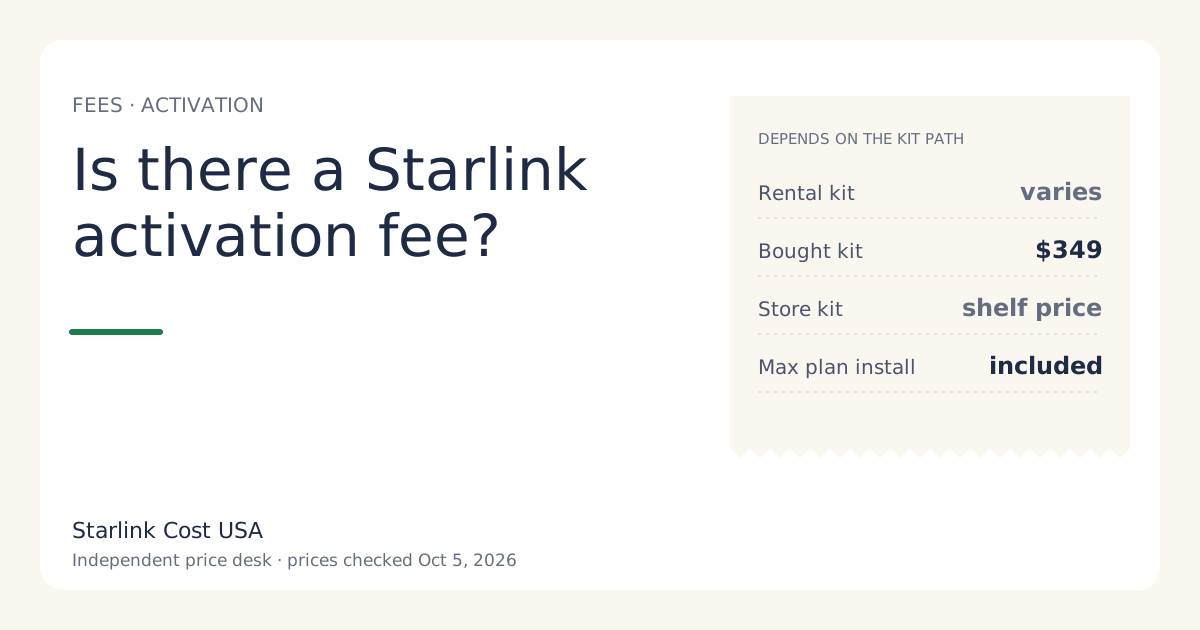
Yes, if you rent: a rental kit pays a one-time activation fee instead of the kit price, and the amount varies by service address. If you buy the kit on starlink.com, you pay the kit price ($349 list for a Standard kit, checked Oct 5, 2026) and we found no separate activation fee listed. A store-bought kit’s hardware is paid at the store. Whichever path you take, checkout or the activation screen shows the exact upfront lines for your address before you pay.
What “activation fee” means on Starlink
The term is used for the rental path. Starlink’s “rent Starlink” option replaces buying the hardware with a one-time charge, and the glossary describes it the same way: on a rental kit you don’t buy the hardware; you pay a one-time activation fee instead. The amount depends on the option you pick at checkout (for example with or without professional installation) and on your address.
Our price file lists the rental activation fee as varies by location; shown at checkoutunverified. That’s deliberate: no Starlink page we can open states a national US figure. We don’t put a guessed number in any total. The calculator leaves it out until you type the amount your checkout shows.
What you pay up front, by path
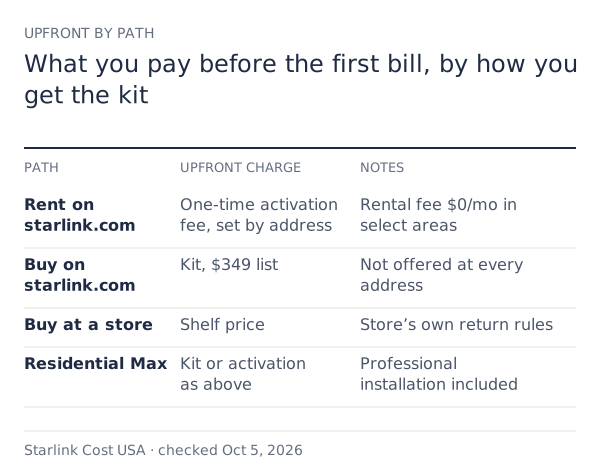
| Path | Upfront hardware charge | Monthly extras | Notes |
|---|---|---|---|
| Rent on starlink.com | Activation fee, varies by location; shown at checkoutunverified | Rental fee $0/mo in select areas | Must be returned when you cancel; no Standby |
| Buy on starlink.com | Kit price, $349 list | None | Not offered at every address; 30-day return |
| Buy at a store | Store shelf price | None | Store’s own return rules |
| Any path on Residential Max | As above | None | Includes free professional installation and eligibility for an extra Mini kit |
On every path you also pay the first month of service when you activate, plus tax, plus any demand surcharge for your address.
How the activation fee compares with buying
The activation fee is only a good deal if it’s well below the kit price and you don’t need what owning gives you.
Example, Residential 200 Mbps, 12 months, no surcharge or tax:
- Bought kit: $349 + 12 × $85 = $1,369
- Rental in a $0/mo-fee area: activation fee + 12 × $85 = $1,020 + activation
So renting wins year one if your activation fee is under $349. If your checkout adds a monthly rental fee, buying catches up at month (kit price − activation fee) ÷ monthly fee. The rent vs buy guide draws that line.
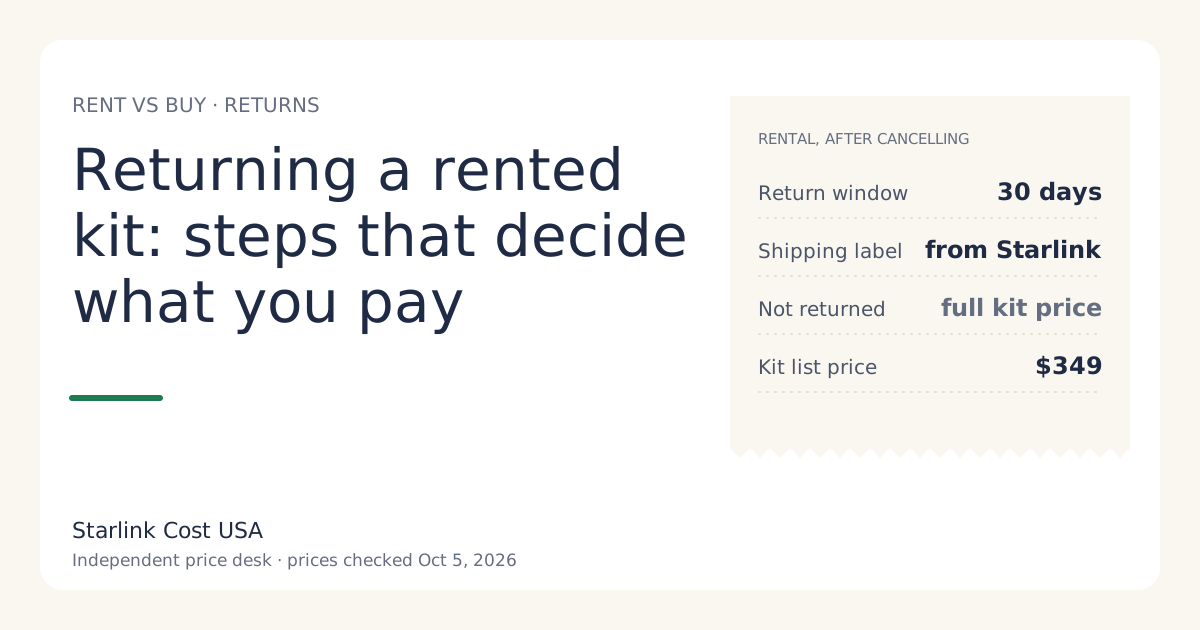
What renting gives up, whatever the activation fee: Standby (not available on select rental kits), resale value, and the freedom to keep the kit after you cancel. A rental must be returned within 30 days of cancelling or you can be charged full retail price of the kit if not returned within 30 days of cancelling (see returning a rented kit).
Activation, billing and the 30-day clock
“Activation” also means the moment your service starts, and that matters for your money even if you never see a fee called “activation”:
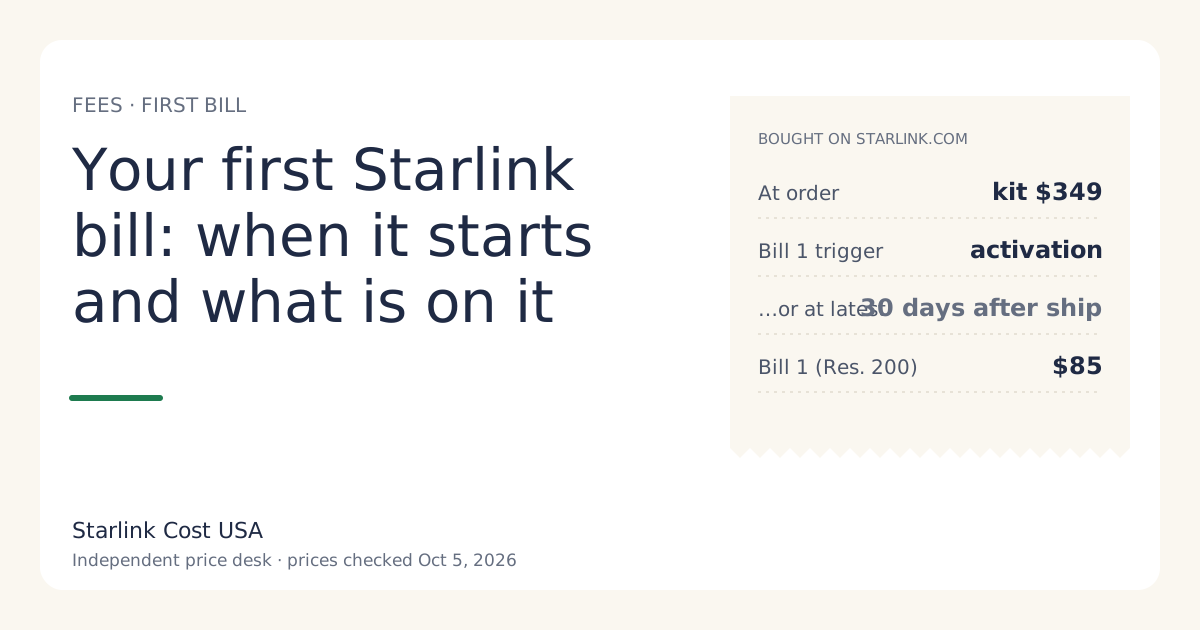
- When you buy on starlink.com, you’re charged for the kit at order, not the first month.
- Your first bill comes on activation or 30 days after the kit ships, whichever comes first, per Starlink’s support page. If you don’t activate, billing starts anyway after 30 days.
- Your billing date is the activation day from then on.
So “I’ll set it up next month” can cost a month you didn’t use. Plan the install before the box arrives. The full sequence is in your first Starlink bill.
The charge people confuse with an activation fee
A demand surcharge isn’t an activation fee. It’s a separate one-time charge in high-demand areas. Starlink’s rule: one-time, in high-demand areas, when you buy, activate, change plan or move into one; refunded with a 30-day return. Activating a kit you bought elsewhere (a store kit or a used one) is one of those moments, so it can appear even though the hardware is already paid for. There’s no published amount (no official amount; depends on the addressunverified).
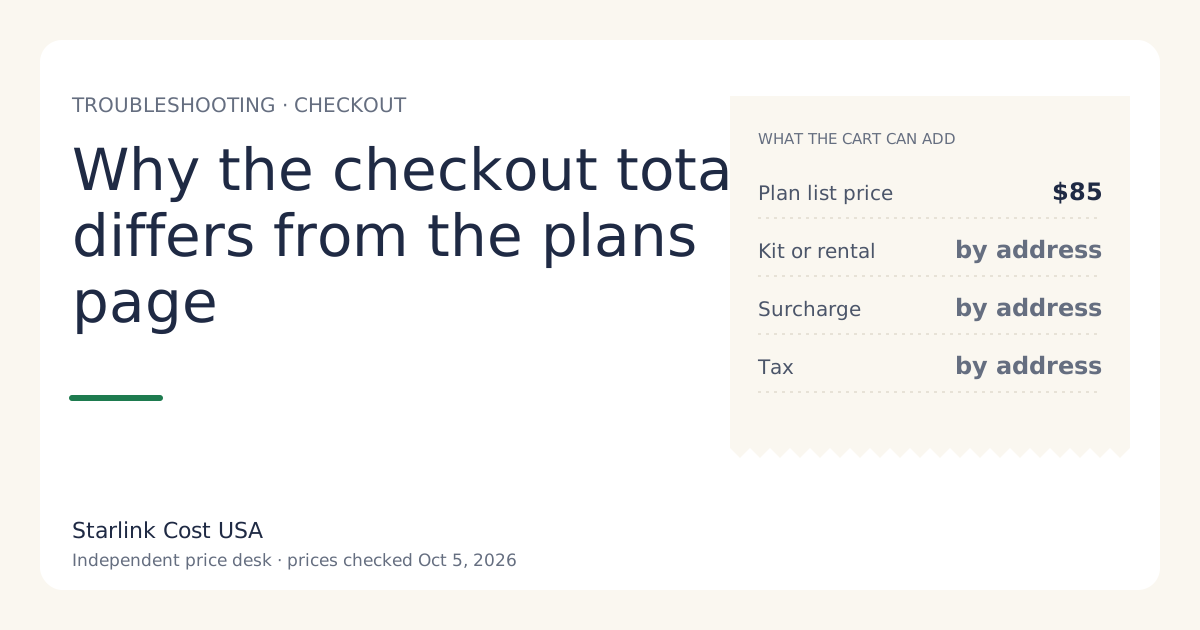
If you see a one-time line you didn’t expect, why the checkout total differs from the plans page walks through each possibility.
Professional installation
Residential Max includes free professional installation and eligibility for an extra Mini kit, per Starlink’s support page. On other tiers, professional installation is an optional extra where it’s offered; the price shows at checkout, and we don’t track it yet. If you were going to pay for installation on a lower tier, add that quote to the comparison with Max. See Residential 100 vs 200 vs Max.
Can you avoid the activation fee?
Legitimately:
- Buy the kit instead, where purchase is offered at your address. You pay the kit price, not an activation fee.
- Buy a kit at a store if its shelf price is lower than the starlink.com options. Compare with the store kit vs starlink.com tool.
- Watch for regional promos that discount hardware at your address. They show at checkout only.
Not legitimately: entering a different service address. Service is tied to the address you give, and moving later can bring the surcharge you were trying to avoid. Don’t.
Common mistakes
- Assuming renting is free up front. It isn’t; there’s an activation fee, plus first-month service and tax.
- Comparing a rental’s activation fee with the kit price only. Count any monthly rental fee and the Standby limitation too.
- Letting the kit sit unopened. Billing starts 30 days after shipping even if you haven’t activated.
- Calling the surcharge an activation fee when asking support. Use the line’s exact name on your checkout.
Worked example: reading the cart on two paths
Imagine your address offers both buying and renting on Residential 200 Mbps. The cart might show (hypothetical layout):
| Line | Buy path | Rent path |
|---|---|---|
| Hardware | Kit $349 | Activation fee (your address) |
| Monthly rental fee | none | $0/mo (select areas) |
| Demand surcharge | if shown | if shown |
| Shipping | if shown | if shown |
| Tax | yours | yours |
| First month of service | billed at activation | billed at activation |
Write both columns down. If the activation fee is below $349 and there’s no monthly rental fee, renting is cheaper for a full-time home in every year you keep it. If you need Standby or might resell, owning can still be the better buy even at a higher upfront cost.
What we don’t know
- The rental activation fee at your address.
- Professional installation prices on tiers below Max.
- Whether a rental’s activation fee is refunded within 30 days.
What to do next
- Open checkout with your address and note the hardware line on each path offered.
- Put the activation fee into the calculator and compare with the bought-kit path at 12 and 36 months.
- Read the hidden fees guide for the rest of the one-time and monthly lines.