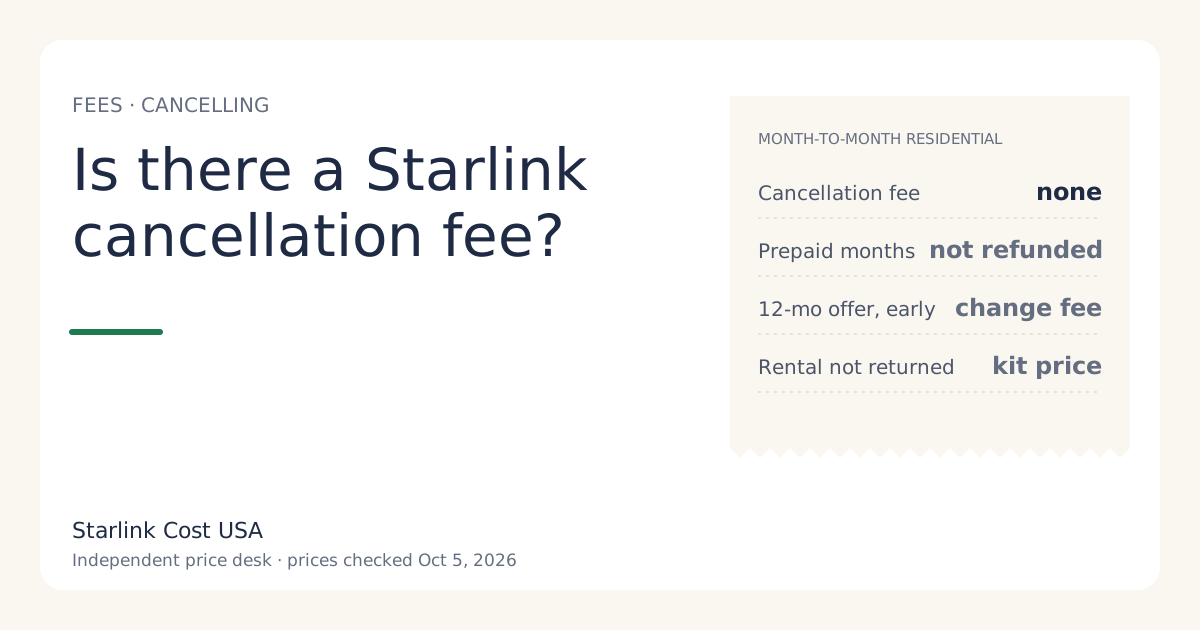
No. Starlink doesn’t charge a cancellation fee on month-to-month Residential service, and there’s no contract on standard plans. Months you’ve already paid for aren’t refunded, though. Leaving can still cost money in three cases: you accepted a 12-month commitment offer (a prorated change fee), you rent the kit and don’t send it back within 30 days (the full kit price), or you cancel at the wrong point in the billing cycle (a month you didn’t use).
The four questions that decide your exit cost
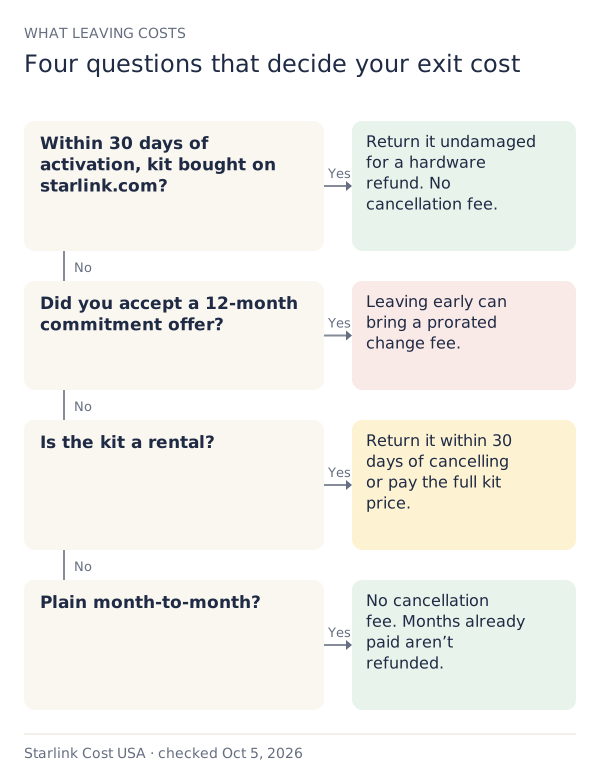
1. Are you inside the first 30 days?
If you bought the kit on starlink.com less than 30 days ago, this is the cheapest way out. Returning it undamaged gets full hardware refund if returned undamaged within 30 days. Starlink’s demand surcharge page says the surcharge is refunded with a 30-day return too, and secondary sources describe the first month of service being refunded in that window. Start the return from your account on the website.
Store-bought kits follow the store’s return policy, not Starlink’s. A store won’t refund your Starlink service.
2. Did you accept a 12-month commitment offer?
Some offers (often a lower price in exchange for staying a year) come with a commitment. Starlink’s support page describes a prorated 'change fee' if you leave a 12-month commitment offer early. “Prorated” means it shrinks the longer you stay. Read the offer’s terms in your account to see the amount and how it’s calculated.
3. Do you rent the kit?
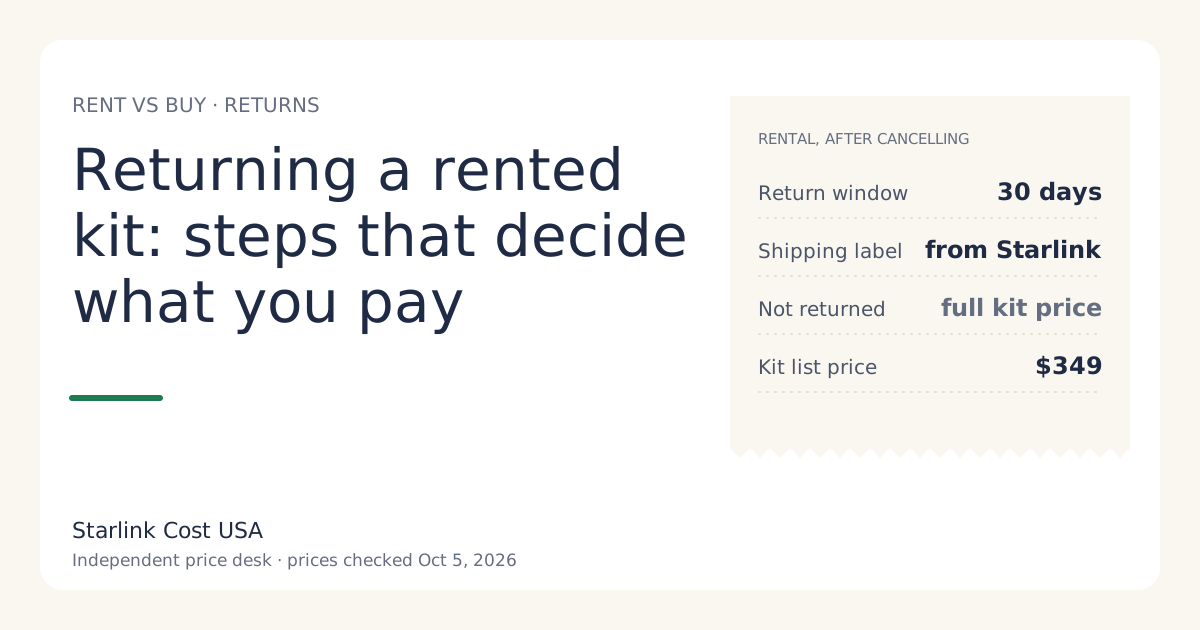
Cancelling a rental is free; not returning it isn’t. You have 30 days from cancelling to return the kit in good condition, using the label Starlink issues. If it doesn’t come back, you can be charged full retail price of the kit if not returned within 30 days of cancelling. Step-by-step in returning a rented kit.
4. Plain month-to-month with a bought kit?
No fee. Service is billed monthly in advance, and our price file (secondary source) notes no cancellation fee on month-to-month service; prepaid months aren't refunded. The kit stays yours.
Timing your cancellation
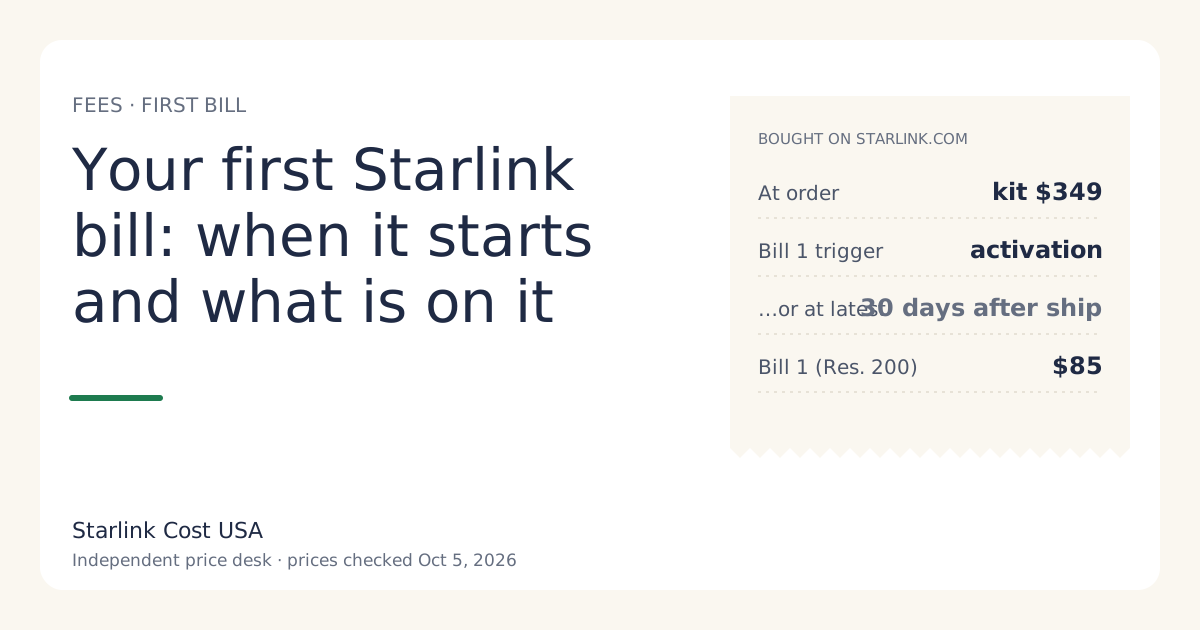
Because months are billed in advance and not refunded, the cheapest moment to cancel is shortly before your next bill is generated. Your billing date is the day your service was first activated (see your first Starlink bill).
Example: you’re on Residential 200 Mbps at $85/mo, billed on the 10th. If you cancel on the 12th, you’ve just paid for a month you’ll barely use: up to $85 of service you can’t get back. Cancel on the 7th instead, and the next invoice shouldn’t be generated. Some secondary guides report that invoices are generated a few days before the charge posts, so give yourself a margin rather than cancelling on the last day.
What leaving costs, by situation
| Situation | Cancellation fee | Other costs |
|---|---|---|
| Month-to-month, bought kit | None | Current paid month not refunded |
| Month-to-month, rental | None | Return within 30 days or up to full retail price of the kit if not returned within 30 days of cancelling |
| 12-month commitment offer | — | a prorated 'change fee' if you leave a 12-month commitment offer early |
| Within 30 days of a starlink.com order | None | Return the kit undamaged for a hardware refund |
| Store-bought kit | None | Store’s return rules for the hardware |
Cancel, downgrade or Standby?
If the reason is cost, cancelling isn’t the only lever:
- Downgrade a tier. Residential Max to 200 Mbps saves $540 a year; 200 to 100 saves $360 where 100 is offered. A plan change can bring a prorated line and, in busy areas, a surcharge.
- Standby on an owned kit costs $10/mo instead of the full plan. Not available on rental kits. (We cover the money only; how Standby works is outside this site.)
- Cancel if you have a cheaper option that works.
Our lowering your Starlink bill checklist goes through these in order.
After cancelling: what you can do with a bought kit
- Keep it for a later restart. Reactivating is a new service; any demand surcharge for your address can apply at that point.
- Sell it. Starlink’s transfer rules require service cancelled, no balance, and at least 120 days since purchase or 90 days since activation. Once transferred, any remaining service days are lost.
- Leave it with the house if you sell, using the same transfer steps.
If you cancelled because of a price increase
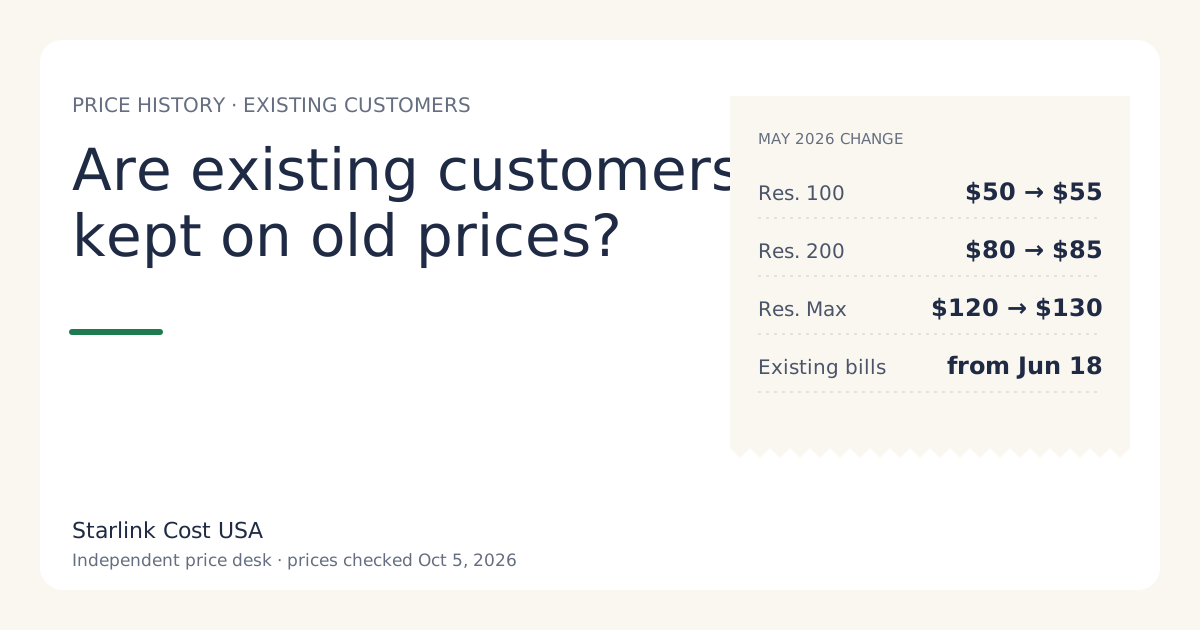
The May 2026 increase moved existing customers to new prices on bills from June 18, 2026. If that’s your reason, compare the new yearly cost with a downgrade and with alternatives before you go. See are existing customers kept on old prices?
Common mistakes
- Cancelling just after the bill. You’ve paid for the month; use it, and cancel just before the next one.
- Forgetting the rental return. The single most expensive mistake.
- Ignoring a commitment offer you accepted months ago. Check your account for the end date.
- Using a store kit’s receipt to ask Starlink for a refund. The store handles hardware returns for store purchases.
- Not keeping proof. Screenshot the cancellation, keep return tracking.
Moving house: cancel, or take it with you?
If you’re cancelling because you’re moving, cancelling may not be necessary. A bought kit can move with you; Residential service is tied to an address, so you’d change the service address in your account. Two cost notes: a move into a high-demand area is one of the moments a one-time demand surcharge can apply (one-time, in high-demand areas, when you buy, activate, change plan or move into one; refunded with a 30-day return), and if your new home has fiber or cable, cancelling and switching may be cheaper. A rental can also move with an address change, as long as you keep the service; it only has to go back when you cancel.
A cancellation checklist
- Check for a commitment offer and its end date in your account.
- Find your billing date, and plan to cancel a few days before it.
- Cancel in your account on starlink.com and screenshot the confirmation.
- Rentals: find the return label in your email, ship within 30 days, keep tracking.
- Bought kits: decide whether to keep, sell (after the transfer waiting period) or leave with the house.
- Watch the next statement for anything unexpected, and keep your proof until it’s clean.
Following these six steps keeps the cost of leaving at what it should be: nothing beyond the months you’ve already used.
What we don’t know
- Whether a partial month is ever refunded after the first 30 days. Our price file’s “prepaid months aren’t refunded” is from a secondary source; we couldn’t open a Starlink page that states the rule in full. If it matters, ask support before cancelling.
- The exact change-fee formula for each commitment offer. It’s in the offer terms.
What to do next
- Check your account for any commitment offer and its end date.
- Find your billing date and set a reminder a week before it.
- Read the hidden fees guide for the other lines that can appear on a final bill.