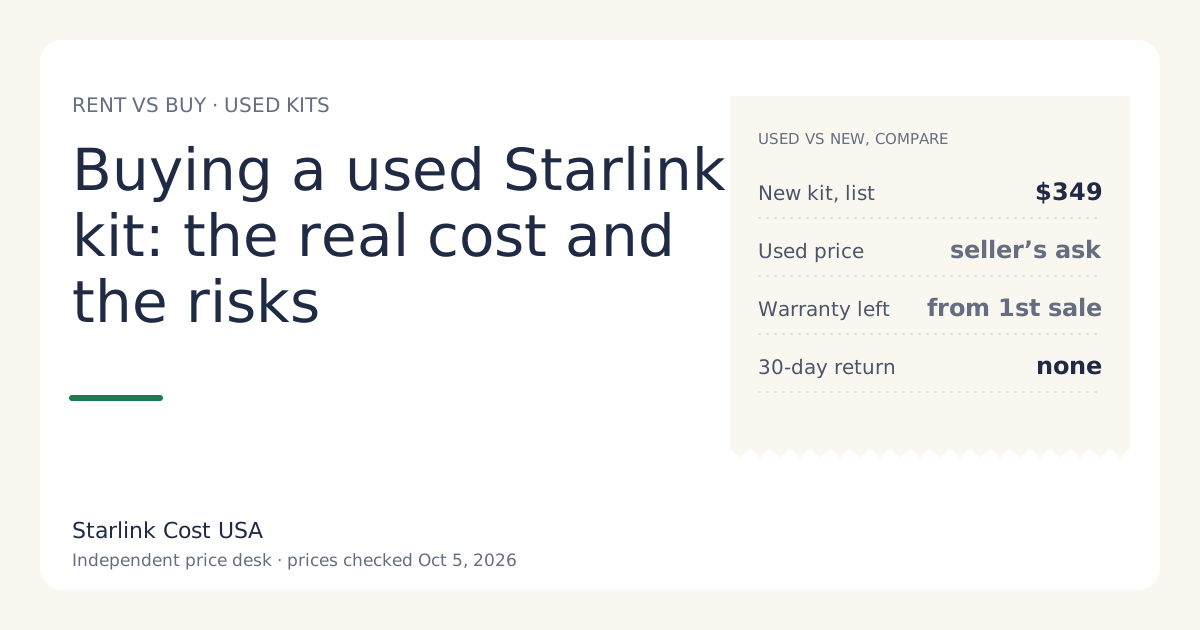
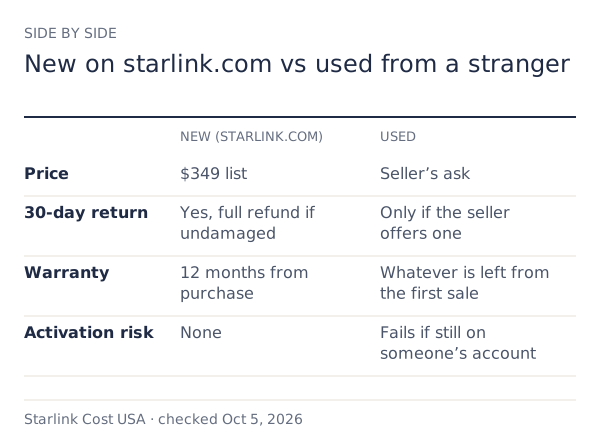
A used Starlink kit saves you the difference between its asking price and the new list price ($349 for a Standard kit, checked Oct 5, 2026). In exchange you give up starlink.com’s 30-day return and most of the warranty, and you take on the risk that the kit can’t be activated. It’s worth it when the discount is large, the kit isn’t a rental, and the seller can actually transfer it. Otherwise, a new kit or a rental is the safer cheap option.
What a used kit saves, and what it doesn’t
Only the hardware line changes. Your plan price, tax, and any demand surcharge are the same whether the dish is new or used. So the honest comparison is:
Saving = new kit price − used asking price − the value of what you give up.
What you give up:
- The 30-day return. A kit bought on starlink.com can be returned undamaged within 30 days for full hardware refund if returned undamaged within 30 days. A private seller owes you nothing.
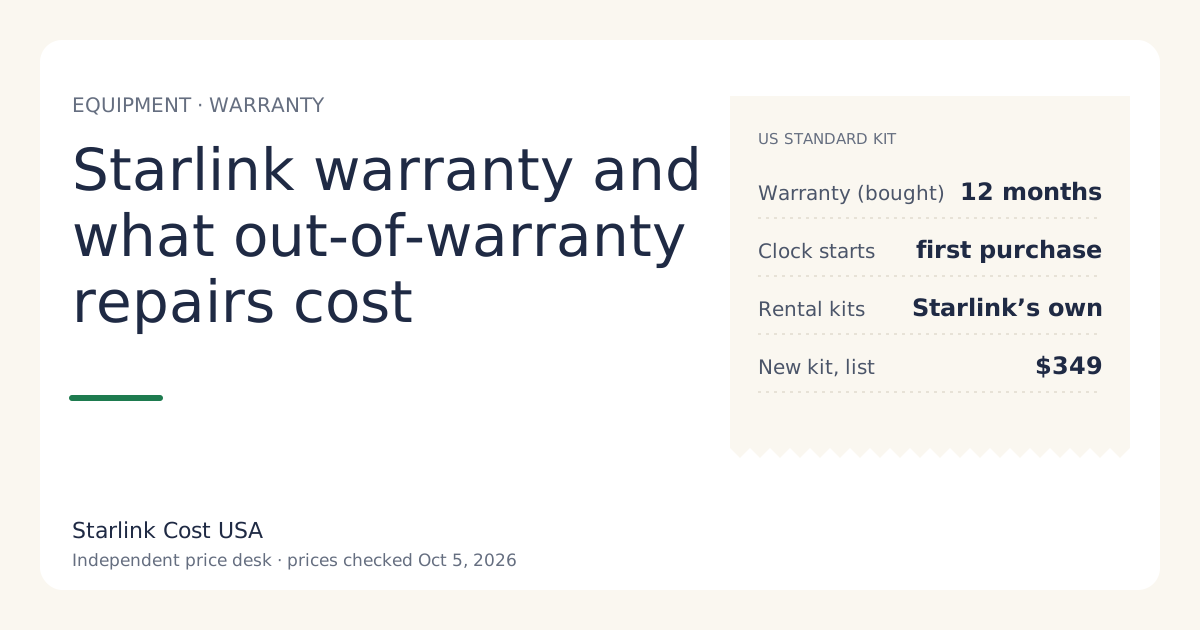
- Warranty time. Starlink’s US limited warranty on a Standard kit is 12 months from the date of original purchase. It doesn’t restart when the kit changes hands. A kit that’s over a year old usually has no warranty left.
- Certainty that it works with your account. Covered in the checks below.
Compare also with renting: where the rental fee is $0/mo (select areas), a rental’s upfront cost is just the activation fee, and the hardware is Starlink’s problem if it fails. If the used price isn’t clearly below what renting would cost you up front, the rental is the lower-risk cheap path. See the rent vs buy guide.
The transfer rules
From Starlink’s support page on transferring a kit (search snippet read Oct 5, 2026):
- Timing: transfers aren’t allowed until 120 days after purchase or 90 days after activation, whichever comes first, and service must stay active for 90 days from activation.
- No balance: the seller’s orders and service must be fully paid.
- Cancel first: the seller cancels service, then uses Transfer on the device in their account. Once transferred, it’s removed from their account permanently and any remaining service days are lost.
- The new owner signs up fresh on starlink.com and is billed for the first month of service on activation.
- Store-bought kits: Starlink says to contact support with proof of purchase if a transfer of a retailer-bought kit runs into trouble after 120 days.
What this means for you as a buyer: a kit bought last month can’t be transferred yet, however honest the seller. Don’t pay for it now on a promise.
Five checks before you pay
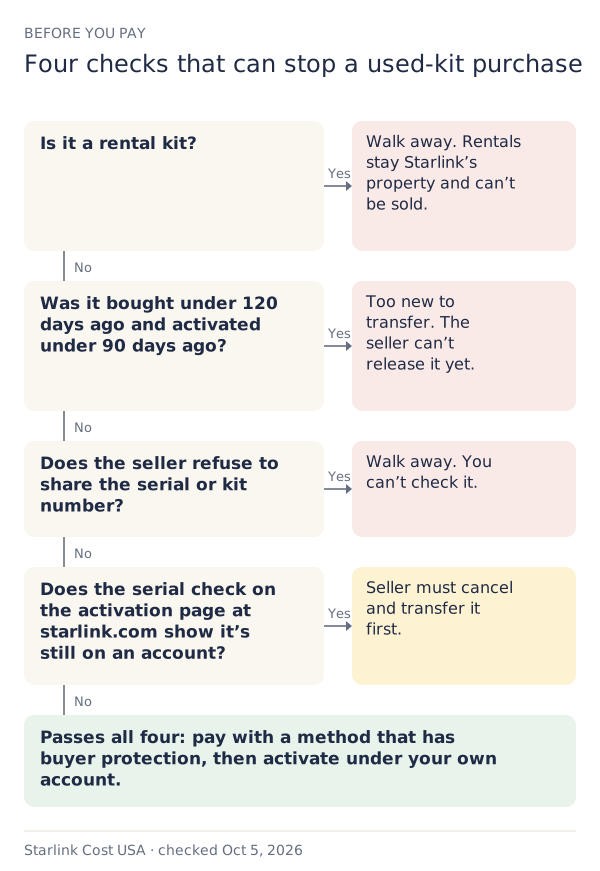
- Is it a rental? Ask directly, and ask how they paid for it. A rental was never theirs to sell. Secondary guides say rental kits can’t be transferred.
- How old is it? Ask for the purchase date and activation date, and a screenshot of the order. Under 120 days since purchase and under 90 days since activation means no transfer yet.
- Will they share the serial or kit number? You need it to check the kit. A seller who refuses is a seller to walk away from.
- Is it still on an account? Secondary guides suggest entering the serial or kit number on the activation page at starlink.com: if it says the kit is associated with an account, the seller hasn’t cancelled and transferred.
- Is it complete and undamaged? Dish, mount or stand, router, cable, power supply. Ask for photos of each part and the dish face.
Paying safely
The FTC’s scam guidance is blunt: never pay someone who insists on gift cards, cryptocurrency, wire transfers, or payment-app transfers. For a used kit:
- Meet in person and test it if you can, or pay through a marketplace method with buyer protection.
- Pay after the transfer is possible, not before. A seller who’s done it before won’t be surprised by this.
- Keep the conversation and receipt. If something goes wrong, it’s your record.
- Check it’s a US kit. A secondary source reports an “outside region” fee for activating hardware from another country.
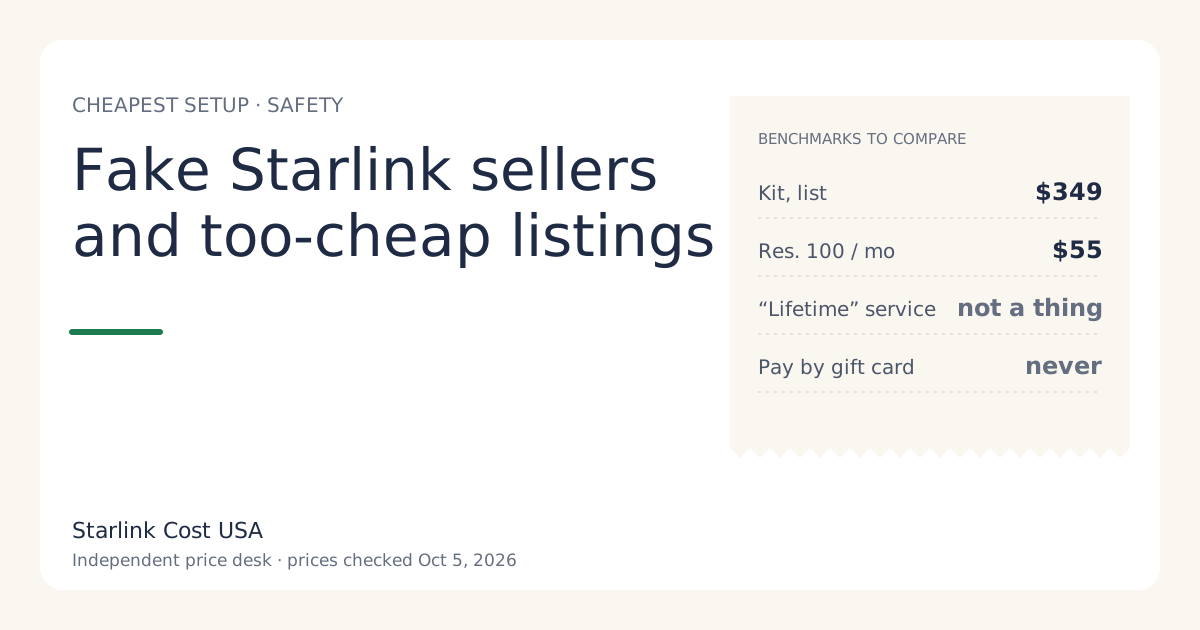
Signs of a scam listing are in fake Starlink sellers and too-cheap listings.
Worked example: is this listing a deal?
A listing asks for a third off the new list price, about $232.67 against $349 new. The kit is 18 months old, bought outright, seller still has the box.
- Saving on hardware: $116.33.
- Warranty left: none (12 months from original purchase have passed).
- Return window: none.
- Transfer: possible (well past 120 days), if the seller cancels and transfers.
Is $116.33 worth having no warranty and no return? If renting in your area costs only an activation fee, and that fee is below $232.67, the rental is cheaper up front and carries no hardware risk. If you want to own (for Standby, resale or moving the kit), the used kit is a reasonable buy at that price, provided all five checks pass.
When used is the wrong choice
- You’re not sure Starlink works at your spot. Without a 30-day return, a used kit that can’t see the sky is a sunk cost. Test first with a new starlink.com order (returnable) or a rental.
- The discount is small. A tenth off a kit with no warranty isn’t a deal.
- The seller pushes you to decide fast. Pressure is a scam tactic.
- You’d need financing to buy it. Renting puts less money at risk.
Fees and lines that still apply
Buying used doesn’t skip the account-side costs. You’ll pay the first month of service at activation, any demand surcharge your address shows (Starlink lists activating as one of the moments a surcharge can apply in busy areas: one-time, in high-demand areas, when you buy, activate, change plan or move into one; refunded with a 30-day return), and tax.
What we don’t know
- A fair used price. We don’t track private sales, so we don’t publish a “used kit value”. Compare with the new list price and the rental path instead.
- Failure risk of an older kit. We have no reliable failure-rate data.
- Whether every older kit works with today’s service. Ask support with the serial if the kit is an older generation.
What to do next
- Put the used asking price into the store kit vs starlink.com tool as the “store” price to see the three-year difference.
- If the saving survives that, run the five checks above before paying.
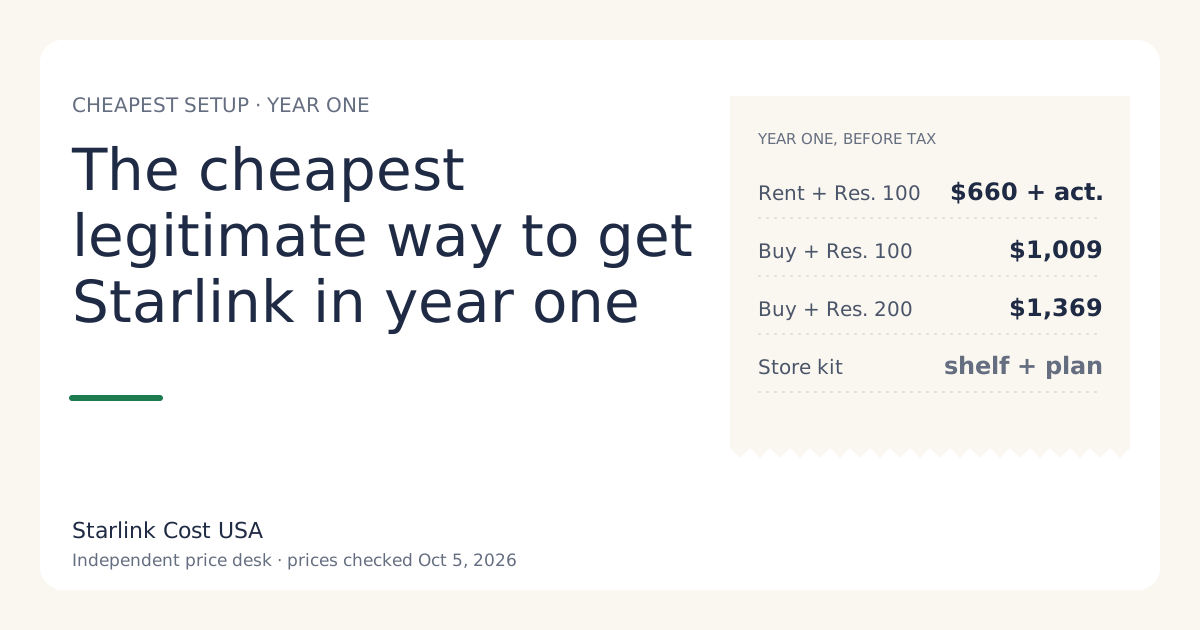
- If anything feels off, a new kit’s 30-day return or a rental is worth the extra money. See the cheapest legitimate way to get Starlink.