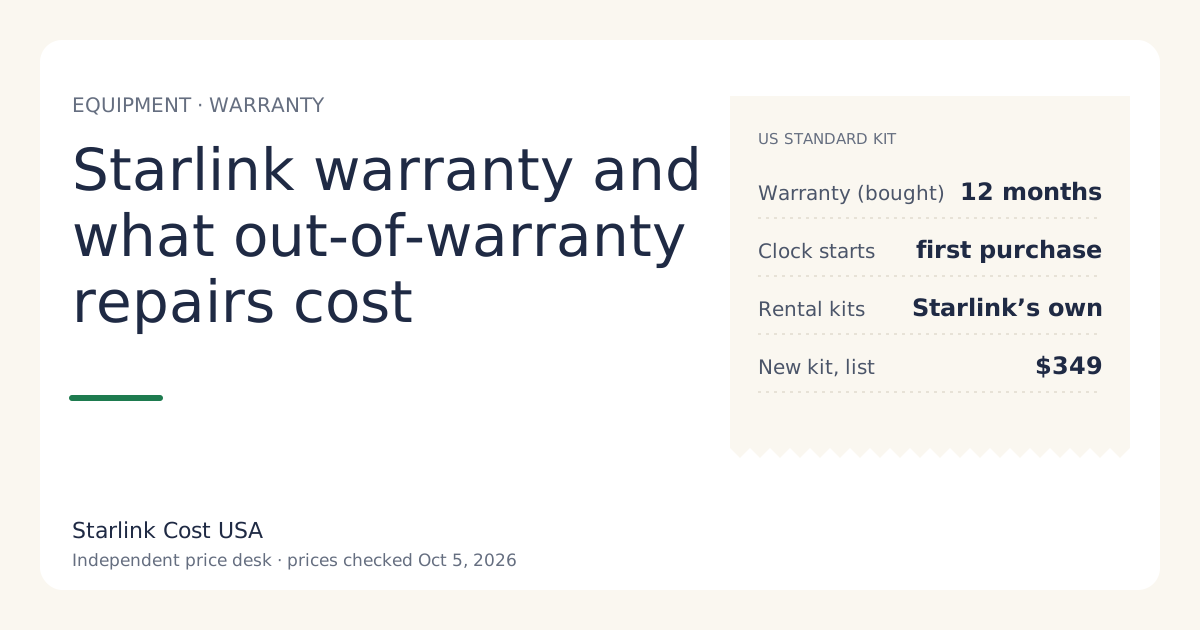
A bought Starlink Standard kit in the US carries a 12-month limited warranty from the date of original purchase, covering defects in materials and workmanship. Rental kits stay Starlink’s property, so a failure is handled through support. Out of warranty, a failure on a kit you own is your cost: compare the part price with a new kit ($349 list, checked Oct 5, 2026) before you pay.
Below: what the warranty covers, what it doesn’t, how rentals differ, and a simple way to budget for hardware after year one.
What the warranty says
From Starlink’s US limited warranty page (read via search snippet on Oct 5, 2026):
- The kit “will be free from defects in material and workmanship and generally meet performance goals set forth in the Starlink Specifications”.
- Standard kit: 12 months from the date of original purchase, whether bought on starlink.com or from a retailer, in all countries except the EU and UK (which get 24 months).
- The clock starts at the original purchase, not when you activate or when you bought it second-hand.
We couldn’t open the full legal page in a browser (it renders with JavaScript), so read the current version in full on starlink.com before you rely on a specific clause.
Who pays: the decision in three questions
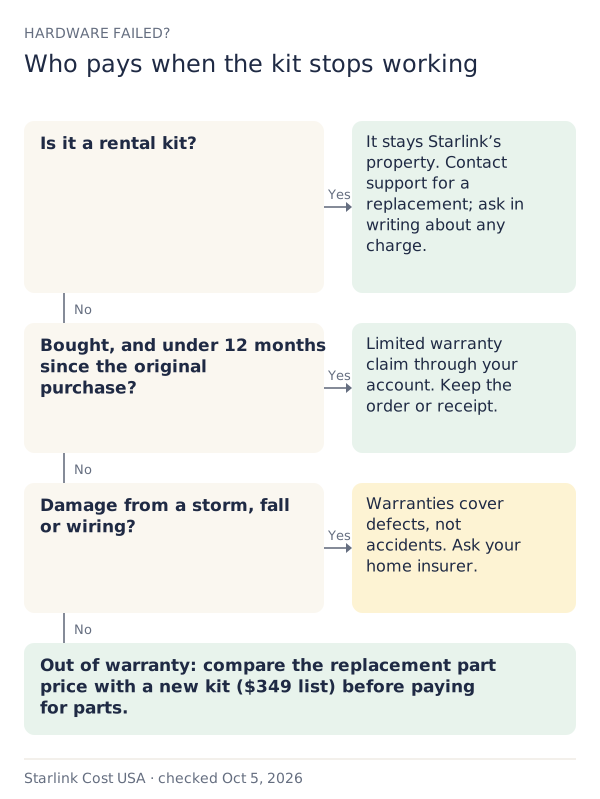
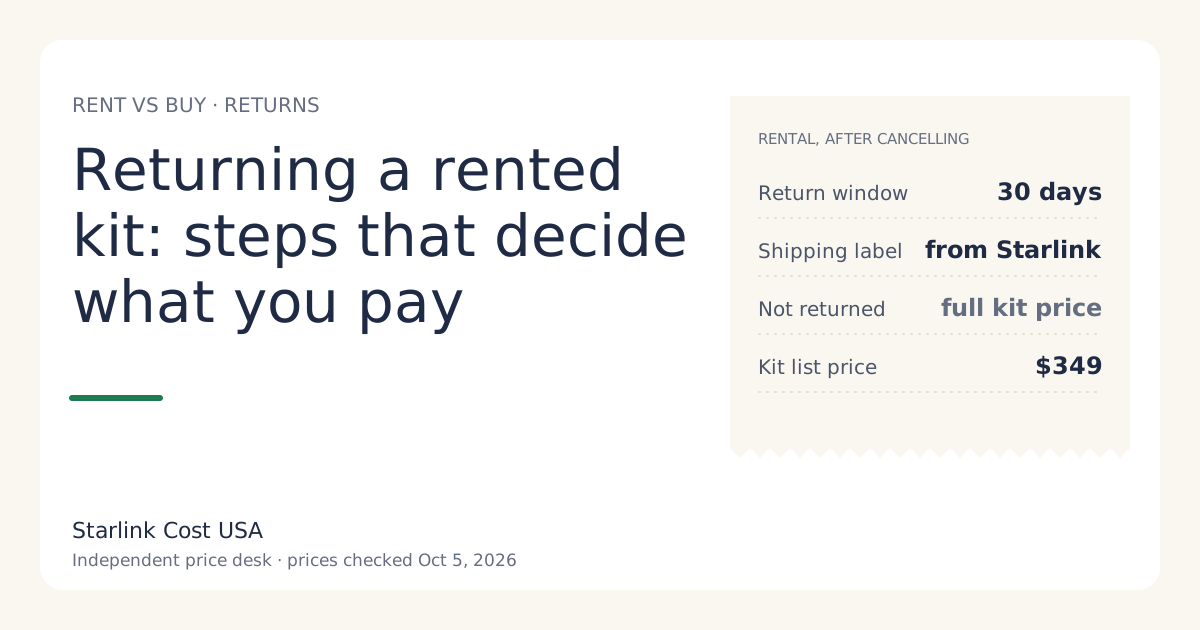
1. Is it a rental? A rented kit “will remain the property of Starlink and title will not transfer to you”, per Starlink’s terms. If it stops working, open a support case. If there’s physical damage, ask whether any charge applies before you ship anything back, and keep the written answer. Rentals must also go back in good condition when you cancel, or you can be charged full retail price of the kit if not returned within 30 days of cancelling (see returning a rented kit).
2. Bought, and under 12 months from the original purchase? Open a support case from your account and describe the fault. Keep your order confirmation or retail receipt; for a store-bought kit, the receipt is how you prove the purchase date.
3. Did something break it? A defect is a fault in how it was made. A tree branch, a fallen pole, lightning, water in a connector you cut, or a dish dropped off a roof is damage. Warranties generally don’t cover damage. That’s an insurance question.
What the warranty generally won’t cover
Limited warranties on electronics typically exclude damage from accidents, misuse, unauthorized modification and acts of nature. We haven’t been able to read Starlink’s full exclusions list in a browser, so treat this as the usual pattern, not a quote. Cases that commonly fall outside:
- Storm, wind, hail or lightning damage.
- A cable cut, spliced or replaced with a non-Starlink one.
- A mount that failed and dropped the dish.
- Cosmetic wear that doesn’t affect performance.
If you’re unsure, ask support before assuming either way.
Home insurance: do the deductible math first
For damage, your homeowners or renters policy may cover the kit as personal property. Before filing:
- Find your deductible.
- Compare it with the cost to replace what broke. A whole new kit lists at $349.
- If the deductible is close to or above that number, a claim gains you little and may affect future premiums.
Example: with a $1,000 deductible (a hypothetical), a claim for a $349 kit pays nothing. With a $250 deductible, it might pay $99 if the insurer agrees. Ask your insurer; we can’t tell you what your policy covers.
Out of warranty: pricing the repair
Once the 12 months are up, a failure on a kit you own is yours to fix. The honest approach:
- Find out which part failed. Support troubleshooting and the Starlink app can often tell dish, cable, router and power supply problems apart. A router or power supply costs less to replace than a dish.
- Check the Starlink shop in your account for the current part price. We don’t track replacement-part prices yet, so we won’t quote one.
- Compare with a whole new kit at $349 list, and with renting where the rental fee is $0/mo: switching to a rental means the hardware is Starlink’s from then on. You’d pay an activation fee (varies by location; shown at checkoutunverified) instead.
- Third-party parts: a cheaper cable or router can work, but it can also make later support harder. Check compatibility first; our equipment cost guide lists what’s in the kit.
Budgeting for hardware after year one
We make no claims about how long a dish lasts; we don’t have reliable failure data. A simple reserve is a sensible way to avoid a surprise:
Yearly reserve = new kit price ÷ the number of years you expect it to last.
If you guess five years, that’s $69.80 a year, or $5.82 a month. If you guess three, it’s $116.33 a year. The guess is yours; the point is to have the money when you need it rather than to predict the date.
For a renter, the reserve is roughly zero for hardware failures, which is one of the quiet advantages of renting. The trade-offs (no Standby, no resale, the return rules) are in the rent vs buy guide.
Used kits and the warranty
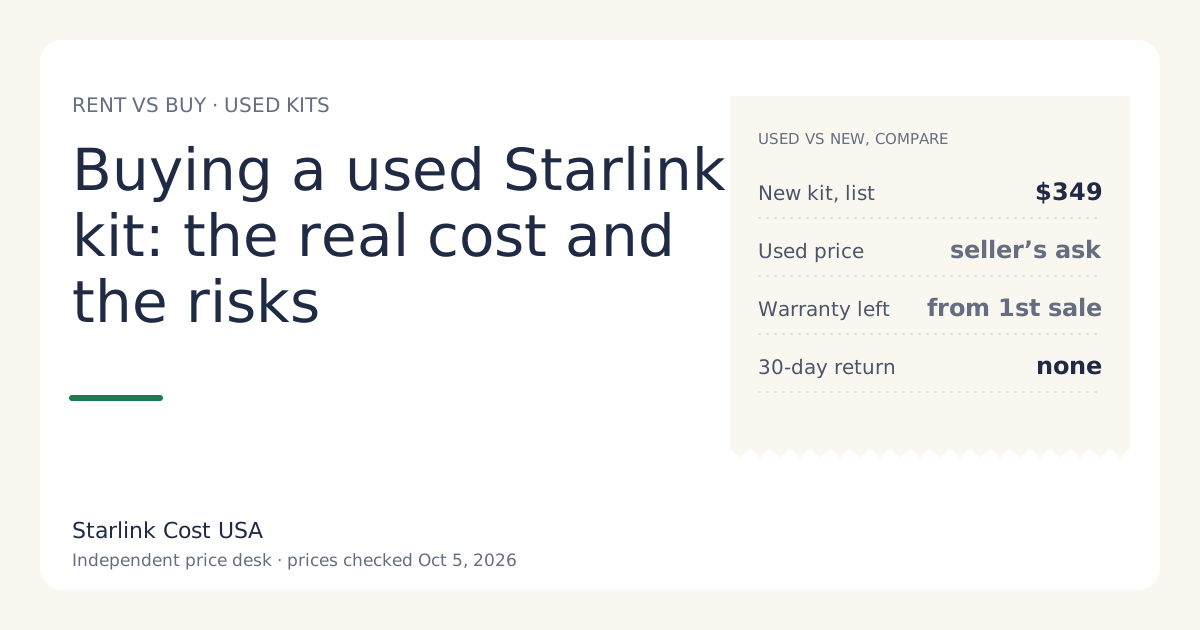
A used kit’s warranty runs from the first owner’s purchase date. A secondary guide puts it this way: any remaining warranty time transfers with the equipment. In practice, a kit sold after 12 months has none. That’s a cost, and it belongs in the price you’re willing to pay. See buying a used Starlink kit.
Extended warranties and protection plans
We haven’t found a Starlink-sold extended warranty for US Residential kits. Some retailers sell protection plans on store-bought kits. Before buying one, compare its price with the cost of a new kit and with what your home insurance already covers. A plan that costs a large share of the kit price for a couple of years of cover is rarely worth it for a single household; keeping the money aside does the same job.
Common mistakes
- Losing the receipt for a store-bought kit. It’s your proof of purchase date.
- Cutting the cable to route it through a wall. That’s modification, not a defect.
- Paying for a new dish when the router or power supply failed. Troubleshoot first.
- Filing an insurance claim below the deductible.
What we don’t know
- Starlink’s full exclusions list, read in full (the legal page needs JavaScript; we read it via search snippets).
- Current replacement-part prices.
- Failure rates by kit generation.
What to do next
- Find your purchase date and write down when your 12 months end.
- Check your home insurance deductible.
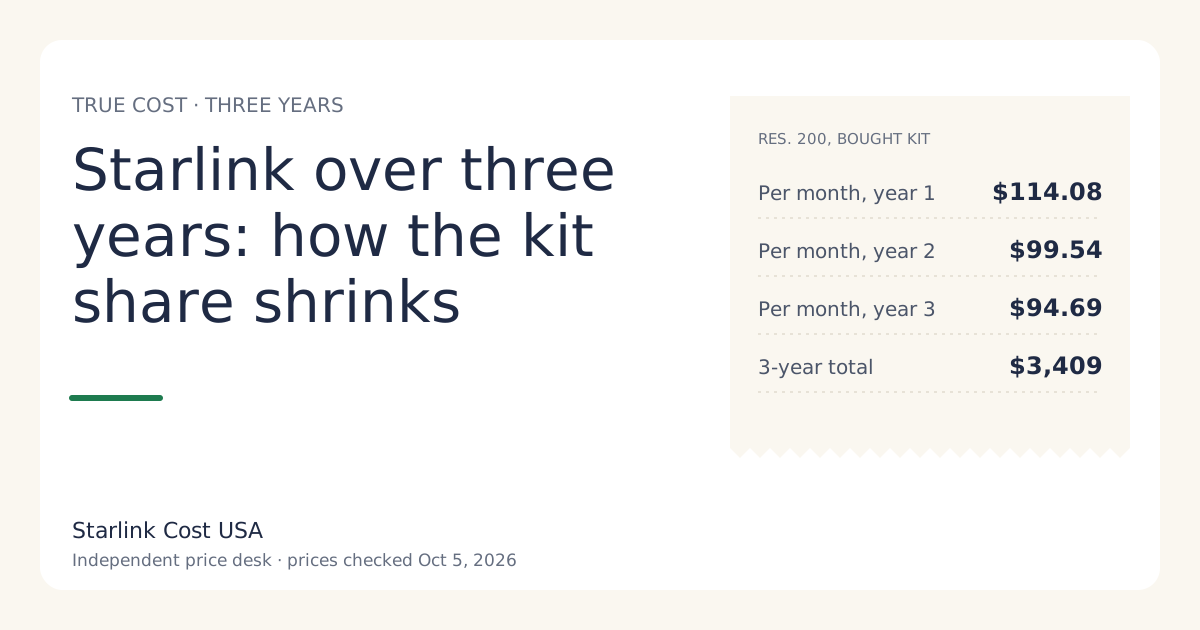
- If you’re still choosing how to get the kit, weigh the hardware risk in the rent vs buy guide and the three-year cost.