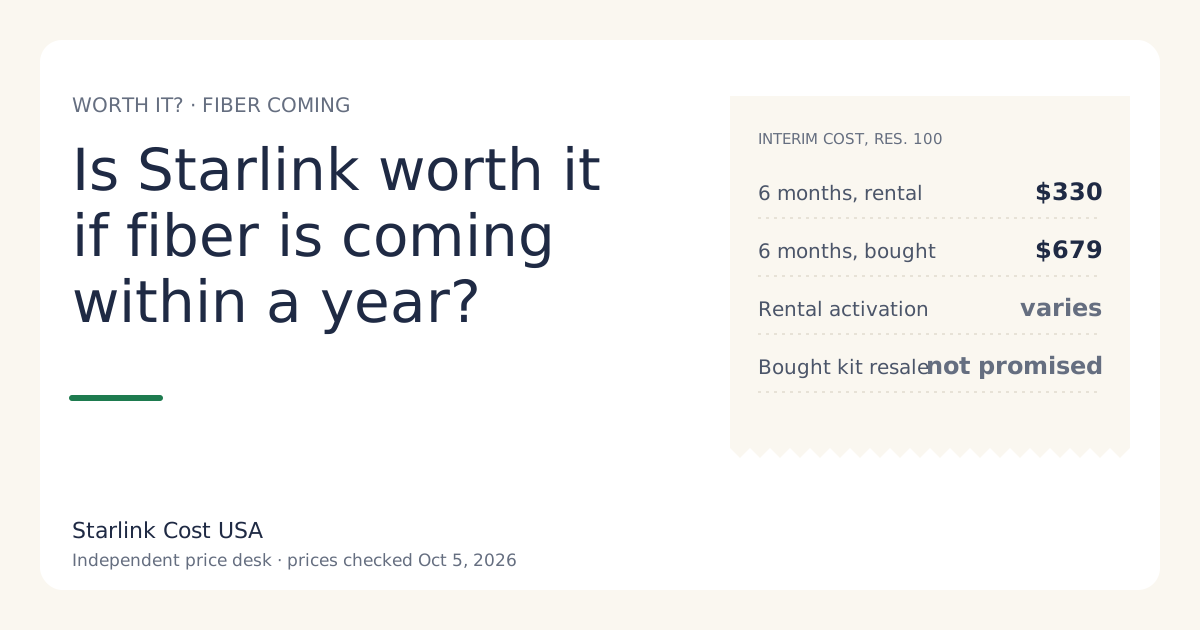
If fiber is coming within a year and your current internet doesn’t do the job, Starlink is worth it as a bridge, and renting is usually the cheaper way to do it. Where the rental fee is $0/mo (select areas), six months of Residential 100 Mbps costs $330 plus a one-time activation fee, against $679 if you buy the kit, at list prices checked Oct 5, 2026. Buy only if you’ll keep Starlink as a backup after fiber, or you’re confident about reselling the kit. If your current service is slow but workable, waiting with what you have can be the cheapest choice of all.
The interim cost, by months of waiting
Residential 100 Mbps (select areas), before tax and any surcharge:
| Months until fiber | Rent ($0/mo fee) | Buy the kit |
|---|---|---|
| 3 | $165 + activation | $514 |
| 6 | $330 + activation | $679 |
| 12 | $660 + activation | $1,009 |
| 18 (fiber slips) | $990 + activation | $1,339 |
If Residential 100 Mbps isn’t offered at your address, use Residential 200 Mbps at $85/mo: six months is $510 plus activation on a rental, $859 bought.
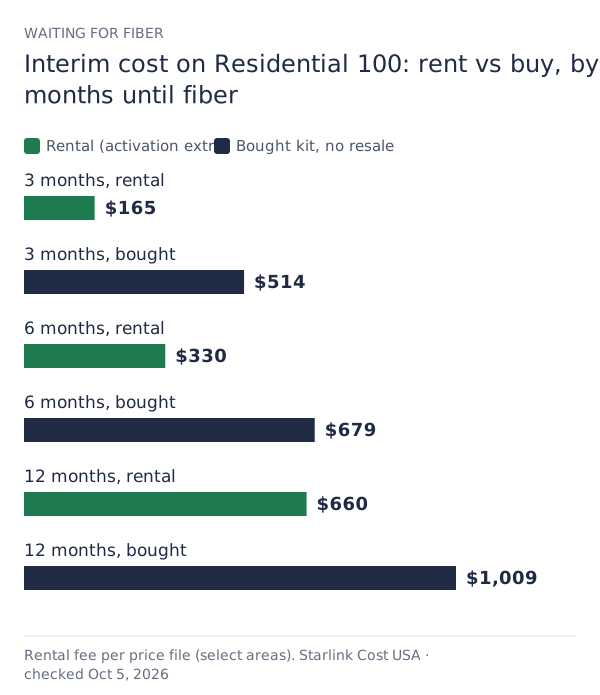
Reading the table: with no monthly rental fee, renting is cheaper than buying for any wait, by the kit price minus your activation fee (varies by location; shown at checkoutunverified). If your checkout shows a monthly rental fee, buying only catches up after (kit price − activation) ÷ monthly fee months, which at the $10 fee new rentals paid in June 2026 (and a zero activation fee) is month 35: longer than a one-year wait.
The exit, which matters as much as the entry
When fiber arrives, here’s what leaving costs:
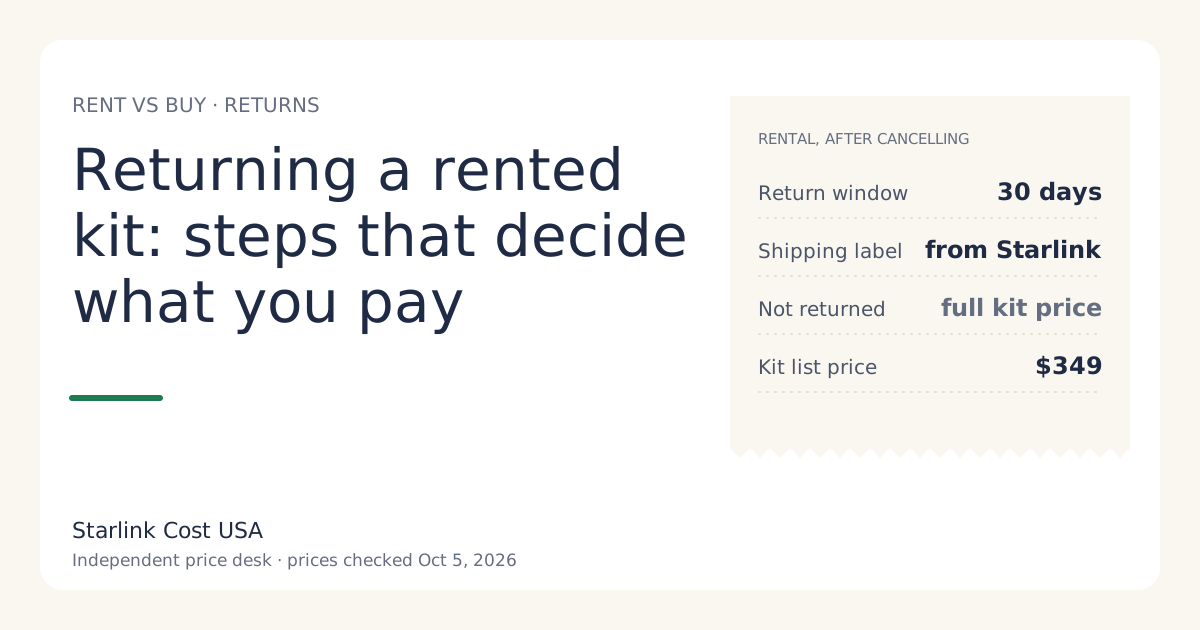
Rental: cancel (no cancellation fee on month-to-month) and return the kit within 30 days using the label Starlink issues. Miss the deadline and you can be charged full retail price of the kit if not returned within 30 days of cancelling. Step by step in returning a rented kit.
Bought kit: cancel and keep it, sell it, or keep it as a backup. Starlink’s transfer rules require at least 120 days since purchase or 90 days since activation, whichever comes first, before a kit can move to a new owner. So a kit you bought three months ago may not be sellable the day fiber goes live. We don’t publish a resale value; don’t count on any particular price.
Both: months already billed aren’t refunded, per our price file (no cancellation fee on month-to-month service; prepaid months aren't refunded). Cancel just before your next bill is generated, not just after.
Buy if you’ll keep it as a backup
Some households keep Starlink after fiber for outages. That changes the math, because the kit is no longer a sunk cost; it’s insurance.
- Backup on a plan: Residential 100 Mbps at $55/mo is $660 a year where offered. That’s a lot of money for occasional outages. Be honest about how often fiber actually goes down where you live.
- Backup on Standby: an owned kit can use Standby at $10/mo, which is $120 a year. Rental kits can’t (not available on select rental kits). How Standby works is outside this site; we only count it.
If you’re sure you want a backup, buying from the start avoids renting now and buying later.
When to just wait
Starlink as a bridge only makes sense if the current situation actually costs you something:
- Wait if your current internet is slow but does what you need (work calls connect, school works), and the fiber date has evidence behind it.
- Bridge if you’re losing work, can’t do school, or pay a lot for phone hotspots to get by. Put a monthly number on that. If the bridge costs less than the problem, bridge.
How firm is “within a year”?
Fiber dates move. Before you plan around one:
- Get it in writing from the provider for your address, not a press release for your county.
- Look for construction on your road: survey flags, conduit, crews.
- Check the FCC’s National Broadband Map for your address to see what providers report there now.
- Assume slippage. Pick the option that’s acceptable if the wait doubles. A rental with no monthly fee is fine at 18 months; a bought kit that you planned to sell at month 6 is fine too, if you can wait for the transfer window.
Alternatives for the gap
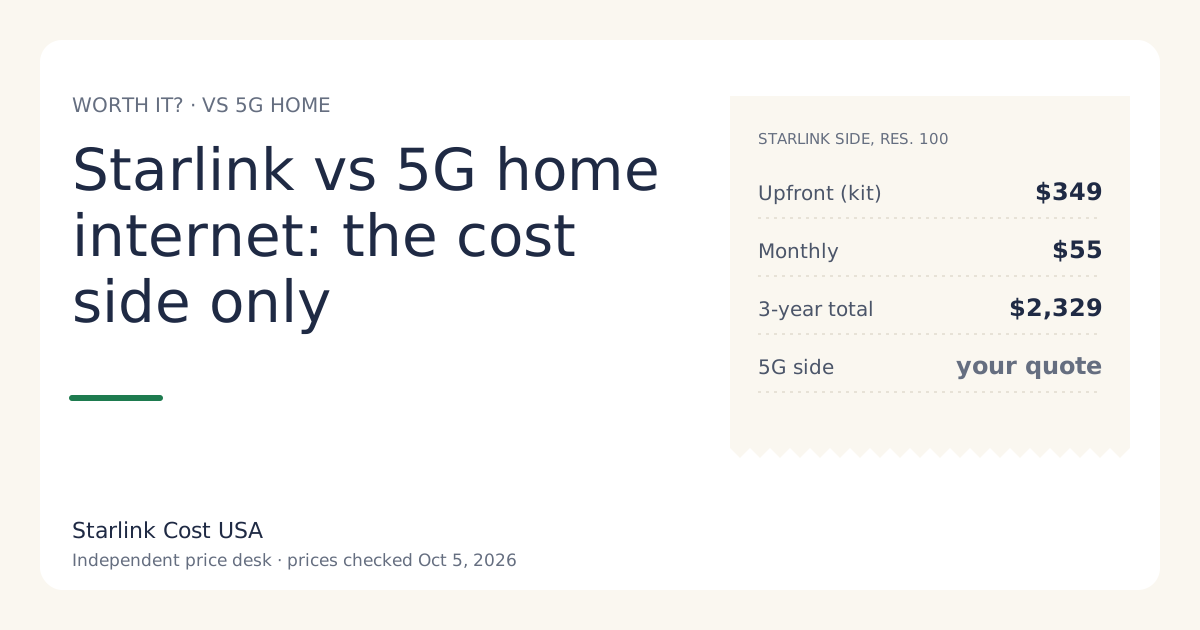
- 5G home internet, if a carrier offers it at your address. Often no hardware to buy, and many have trial windows. See Starlink vs 5G home internet.
- Phone hotspot for a short, light-use gap.
- Your current provider, if it’s merely slow.
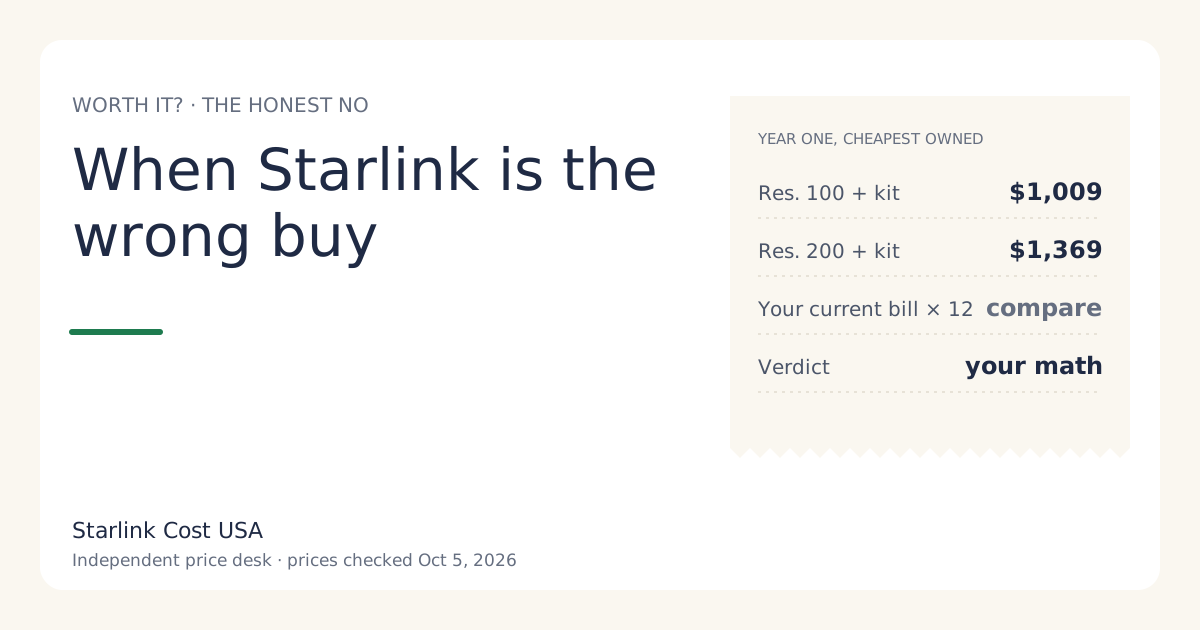
If one of these is cheaper over your expected wait and works at your address, use it. When Starlink is the wrong buy has the full list.
Worked example
A remote worker expects fiber in “about nine months”. Current DSL drops calls daily. Residential 100 Mbps isn’t offered; Residential 200 Mbps is. Rental fee at checkout: $0/mo.
- Rent for nine months: 9 × $85 = $765 + activation. Exit: return the kit.
- Buy for nine months: $349 + 9 × $85 = $1,114. Exit: sell the kit (allowed by then) or keep it on Standby as a backup.
- If fiber slips to 15 months: rent $1,275 + activation; buy $1,624.
Renting is cheaper in both cases unless the activation fee approaches $349, or the worker decides they want a backup line after fiber.
Common mistakes
- Buying for a three-month bridge and finding the kit can’t be transferred for 120 days.
- Forgetting the rental return when fiber arrives during a busy move.
- Planning around a promised date with no construction.
- Paying for Residential Max as a stopgap. A bridge is the place for the cheapest tier that works.
What we don’t know
- Your fiber date, and how likely it is to hold.
- Your rental activation fee.
- What a used kit will sell for when you’re done.
What to do next
- Price your expected wait, and the wait doubled, in the calculator.
- Compare with your alternatives at the same horizon.
- If you rent, note the return rules now, so the exit is as cheap as the entry.