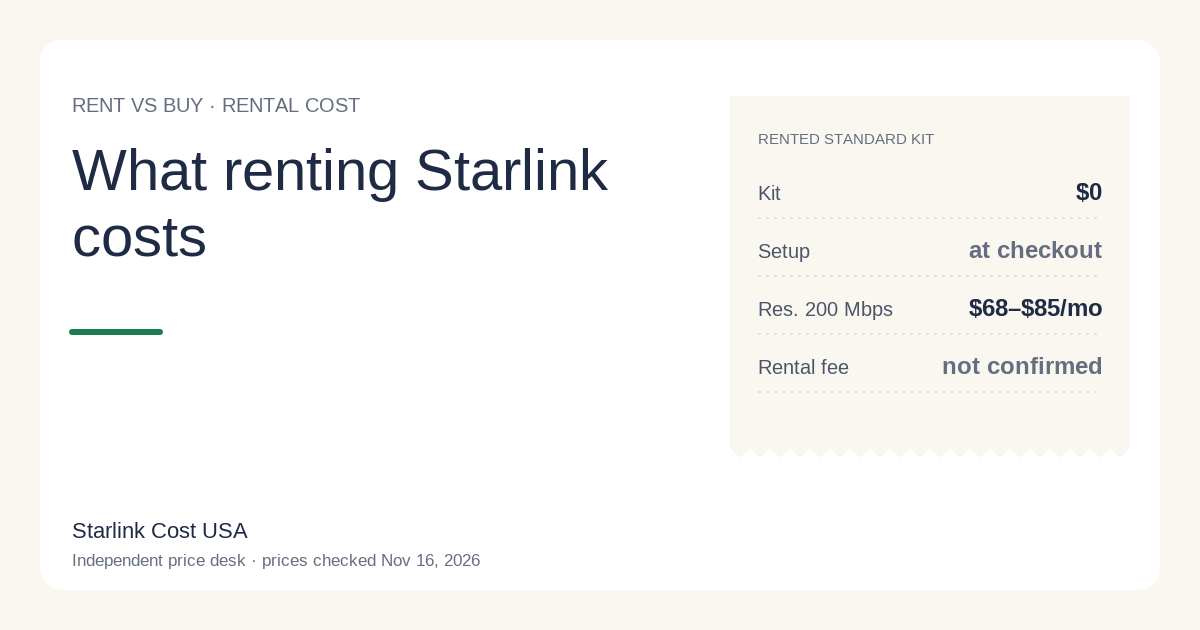
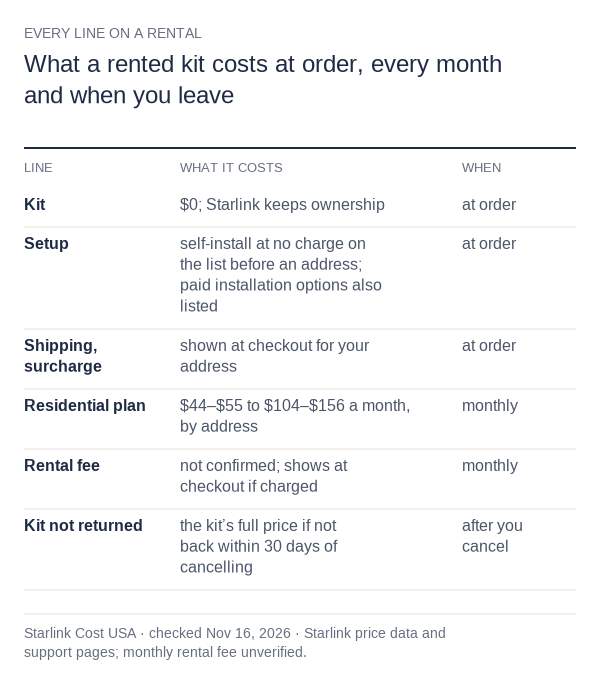
Renting Starlink costs $0 for the kit, then your Residential plan every month: $44–$55/mo for 100 Mbps, $68–$85/mo for 200 Mbps or $104–$156/mo for Max, depending on your address. Up front, the setup is $0 on the order list before an address is entered, with a $99 installation add-on or $199 with professional installation also listed; your checkout shows yours. A monthly rental fee may be added at checkout; we couldn’t confirm a current amount (checked Nov 16, 2026).
So the honest monthly answer is “your plan price, plus a rental fee only if your checkout lists one”. Below is every line, what a year comes to, and the rules that turn a cheap start into a bill.
Can you rent Starlink?
Yes, at a US address, for home service. The rules from Starlink’s rent article:
- Residential plans only. You can’t rent a kit for a Roam plan.
- One rental per account.
- Starlink owns the kit. You can’t sell it or transfer it.
- No Standby. A rental bills the plan every month until you cancel.
On Nov 16, 2026, every Residential plan on starlink.com’s list before an address is entered was a rental. Buying the kit ($349) is offered at some addresses, not all.
What renting costs, line by line
| Line | What it costs | When |
|---|---|---|
| Kit | $0 | at order |
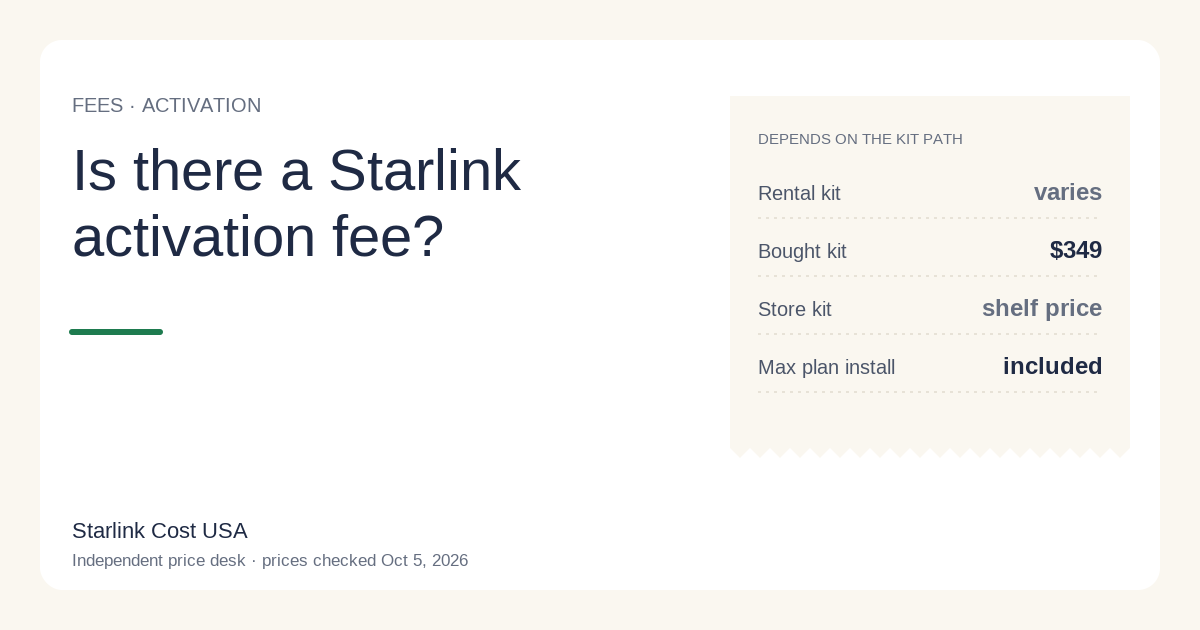
| Setup and installation | $0 on the order list before an address is entered, with a $99 installation add-on or $199 with professional installation also listed; your checkout shows yours | at order |
| Shipping | $20 at one test address on Oct 30, 2026, and not refundable; your checkout shows yours | at order |
| Demand surcharge | set by address, plan and kit; up to about $1,500 per residential service line (Starlink’s invoice glossary) | at order, in busy areas only |
| Residential plan | $44–$55/mo / $68–$85/mo / $104–$156/mo | every month |
| Monthly rental fee | not confirmed: a monthly rental fee, if any, shows at checkout ($0 at one test address on Oct 30, 2026; $10 was reported in June 2026)unverified | every month, if charged |
| Sales tax | your state and county | on each bill |
Installation is worth a second look. Starlink’s home page lists free professional home installation with Residential 200 Mbps and Residential Max, while the rental list also shows a paid professional-installation option. Which one applies to your order is on your checkout, so read that line before you pick.
How much is Starlink rental per month?
The plan is most of it. Plan only, before tax and any rental fee:
| Plan | Per month, by address | 12 months, by address | 12 months at the listed level |
|---|---|---|---|
| Residential 100 Mbps | $44–$55/mo | $528–$660 | $594 |
| Residential 200 Mbps | $68–$85/mo | $816–$1,020 | $918 |
| Residential Max | $104–$156/mo | $1,248–$1,872 | $1,716 |
“Listed level” is the price starlink.com shows before you enter an address ($76.50/mo for 200 Mbps on Nov 16, 2026). Your address may land anywhere in the range.
About the rental fee. Starlink’s rent article says a monthly rental fee is charged on top of service. In June 2026 the press reported a $10 monthly fee for new rentals, and in July reported it removed in select areas. One public test address showed no fee on Oct 30, 2026. We don’t put a guessed fee in any total. If your checkout lists one, multiply it by 12 and add it to the year.
A first year on a rental
Residential 200 Mbps at the listed level, self-install:
- Kit: $0
- 12 months of plan: 12 × $76.50/mo = $918
- Plus: the setup option you choose, shipping, any surcharge, any rental fee, tax.
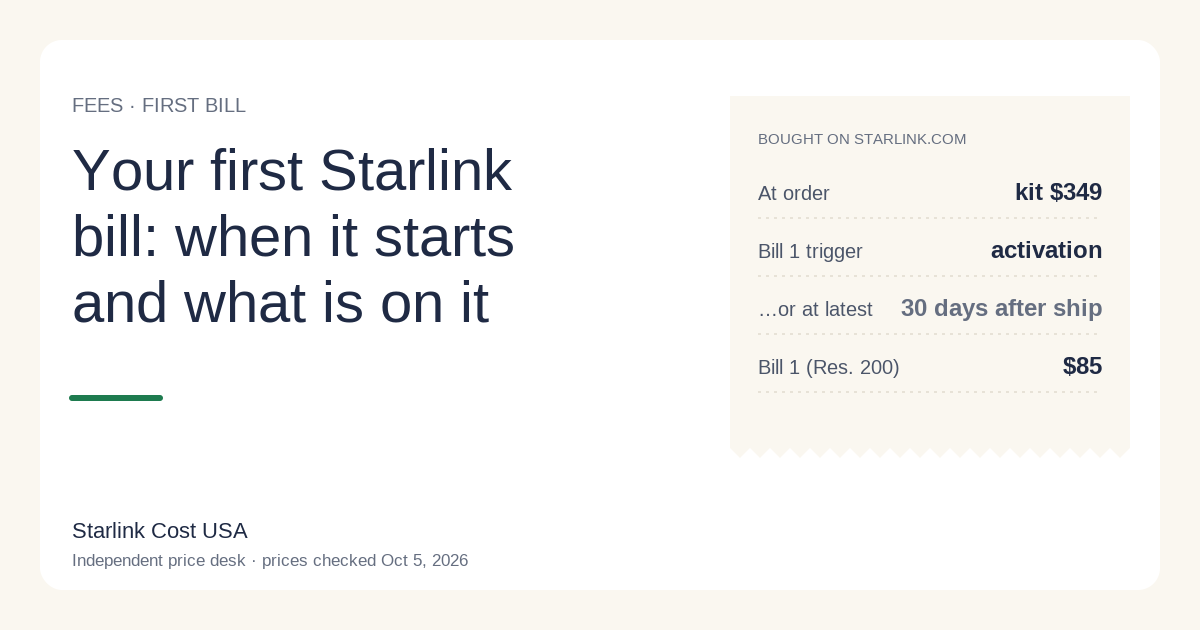
Compare buying: $349 + $918 = $1,267 for the same year, before the same extras. Renting keeps $349 in your pocket in year one. Whether it stays cheaper over three years depends on the rental fee, if any. The rent vs buy guide works out the break-even month; this post sticks to what renting costs.
The rules that cost money
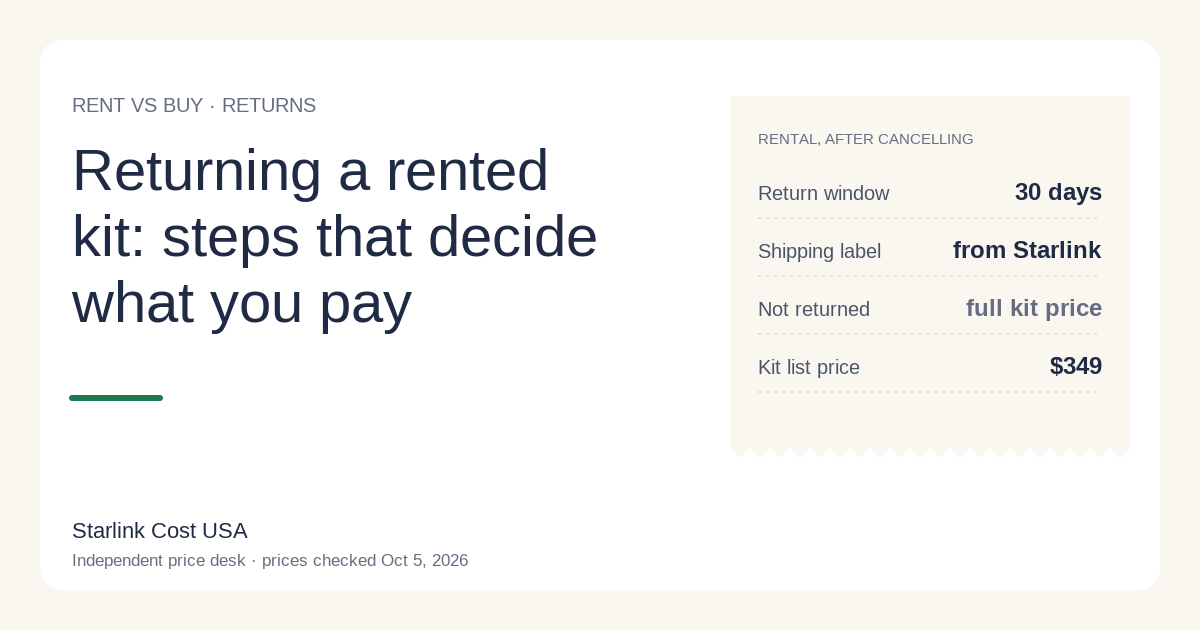
Leaving. There is no cancellation fee on month-to-month service. But a rented kit has to go back: Starlink charges the kit’s full price if a rented kit isn’t returned in good condition within 30 days of cancelling. That’s the biggest number a rental can produce. The steps are in returning a rented kit.
Changing your mind early. Starlink’s rent article says to back out of a rental, return it within 7 days of delivery. Its activation-charge article says an activation charge is refunded when the kit comes back inside the 30-day return window. If you’re unsure which applies to your order, ask support before day 7 and keep the answer in writing.
Pausing. Standby is not available on promotional offerings, some rental kits or the V5 kit. Starlink’s rent article says rentals can’t use it. A seasonal home on a rental pays full months or cancels and returns the kit.
Moving. Service is tied to your address. Moving into a busy area can bring a demand surcharge, the same as a new order there.
Rentals and the money-off offers
- Referral reward. Whether a rented-kit order earns the $100 reward is not confirmed. The referral terms say the new customer must purchase a kit and plan on starlink.com, yet the plans on the list before an address were rentals. Don’t count on the reward until Starlink says how rentals are treated.
- The November discount. Starlink’s site text offers 30% off recurring Residential service in select areas for new customers who sign up by Nov 30, 2026. It shows only at checkout for an eligible address. We priced it per plan in Starlink 30% and 50% off, plan by plan.
- Max’s Mini perk. Max includes a Starlink Mini rental with no monthly fee and 50% off eligible Roam plans. That Mini rental is separate from the home kit and goes back if you leave Max.
What we don’t know
- The monthly rental fee at your address, if any.
- Which setup and installation option your address is offered.
- Whether a rented-kit order earns the referral reward.
What to do next
- Enter your address on starlink.com and choose a Residential plan. Write down the kit line, the setup option, any rental fee and every one-time charge.
- Put the monthly plan price and any rental fee into the calculator to see year one and year three.
- If buying is offered at your address too, compare both paths in the rent vs buy guide before you order.